AI image editor
An AI image editor and AI photo editor where you describe the change and the agent makes it. Upload a photo, a drawing or a frame from your story, then remove an object, replace the background or the sky, turn noon into sunset, move the camera, grade the colours or extend the picture to a new aspect ratio. The rest of the image holds, your characters stay consistent, and when you like the result you can turn it into a video.
Examples
AI photo edits you can turn into scenes
Make your character move
Animate a painted picture
Fly the camera through it
How it works
How to edit an image with AI
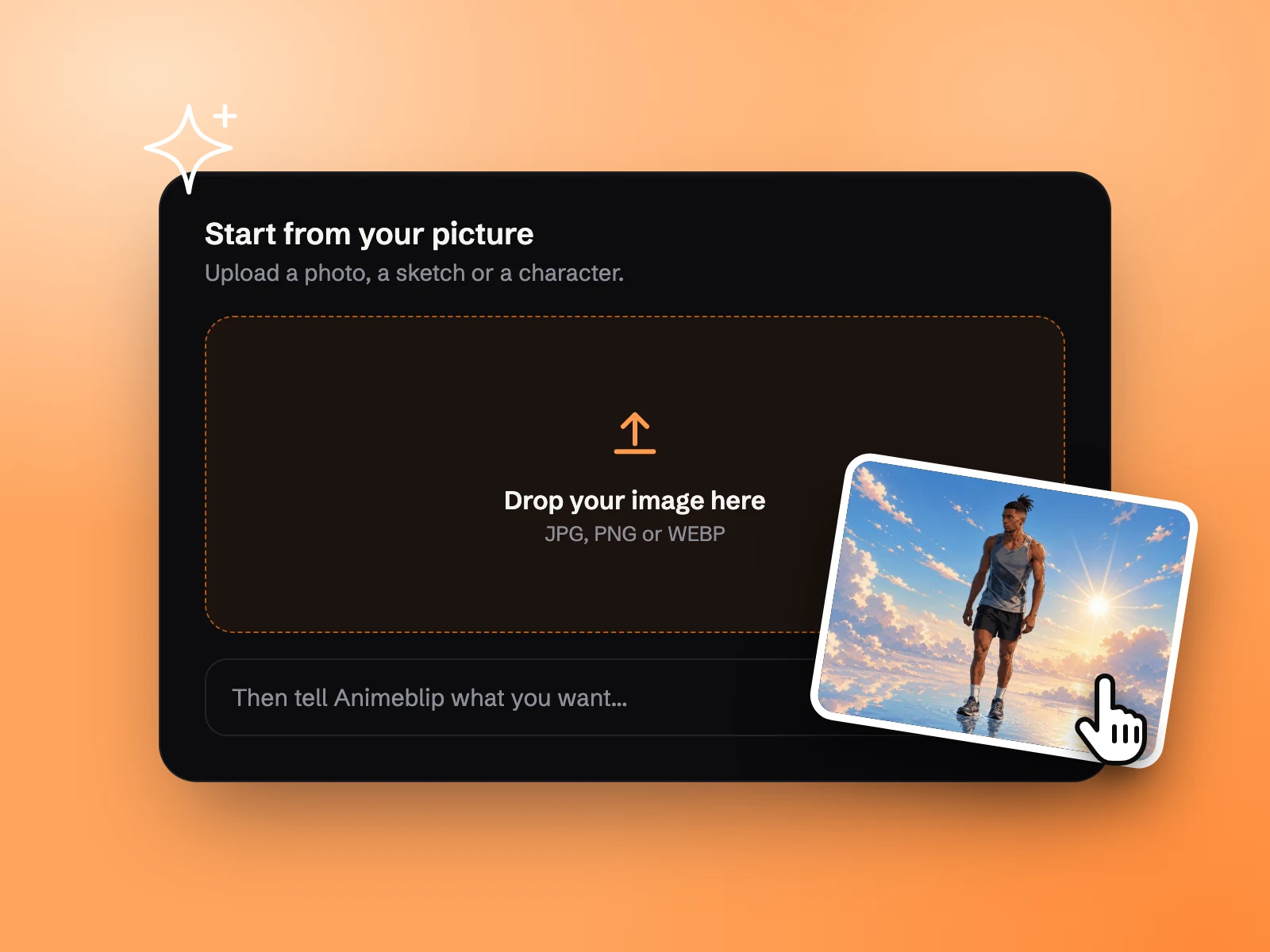 Step 01
Add your picture
Drop in a photo, a drawing or any image from your story. You can also generate one first and edit that.
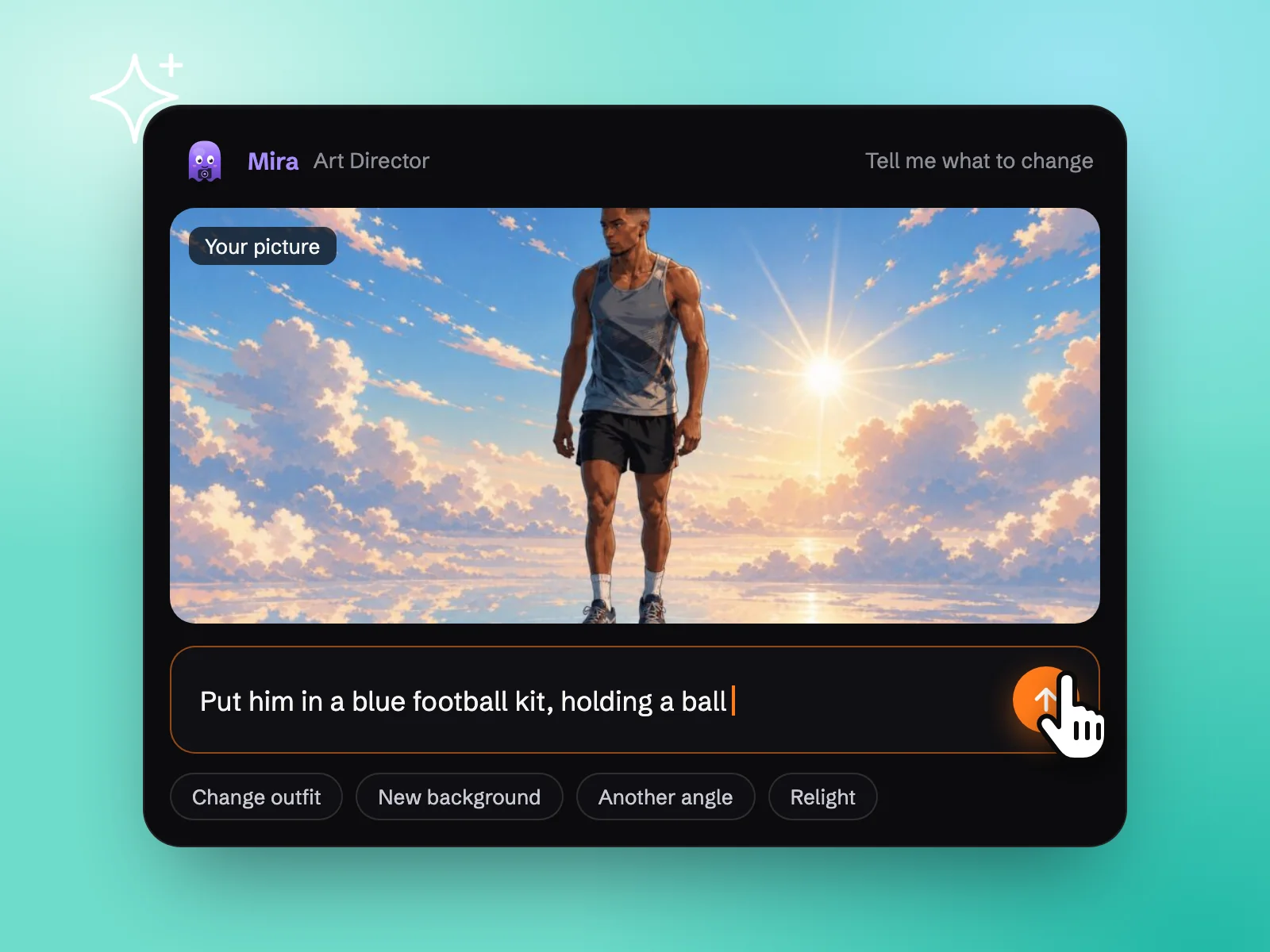 Step 02
Say what should change
Tell the agent what to change in plain words: remove the sign, make it rain, put him in a blue kit. Select one region if the change belongs only there.
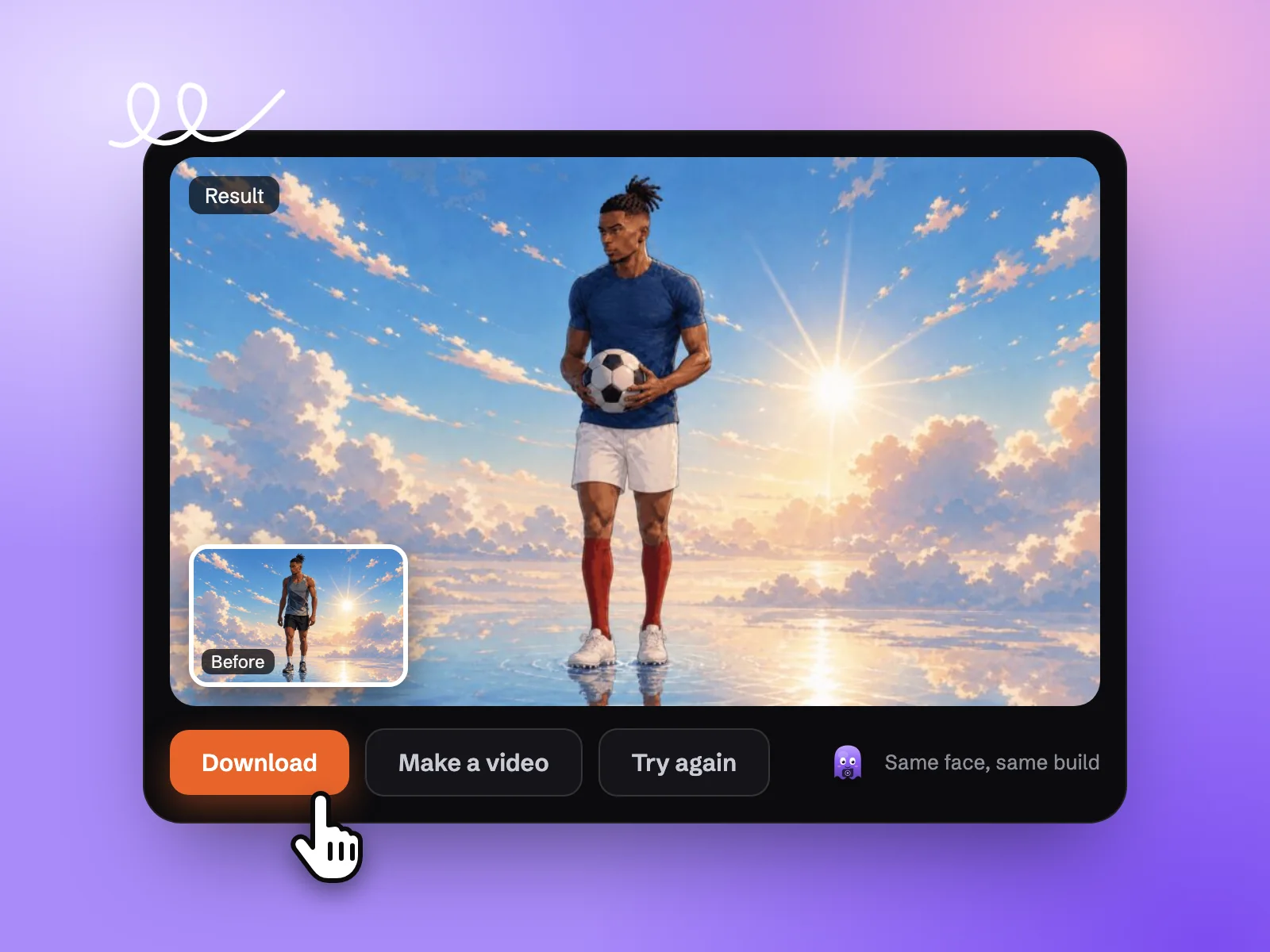 Step 03
Download or make a video
Compare it with the original, try again if it is not right, then download the image or turn it into a video.
Core feature
Key features of the AI image editor
Consistent characters in one art style
Change the outfit, the place or the light and your character still looks like your character. Indi, the character designer agent, keeps faces on a character sheet, and Mira, the art director agent, keeps every edit in one art style.
Direct by chat, you approve the plan
No layers and no masks to learn. Tell the agent what you want in a sentence, look at what comes back and ask for another pass. You stay in control, and nothing goes further until you approve it.
Fix one part, the rest holds
Use inpainting as your generative fill: select a region, then paint out a stranger or paint in a new prop. Only that area changes. Regrade the colours or move the key light the same way, without redoing the whole picture.
900+ art styles, from rough sketch to finished frame
Hand over a rough sketch and get the finished frame back in the look you pick, from manga ink to painterly and 3D. Change the art style once and Mira, the art director agent, carries it through every image in the story.
Use cases
AI image editing for creators, social and story art
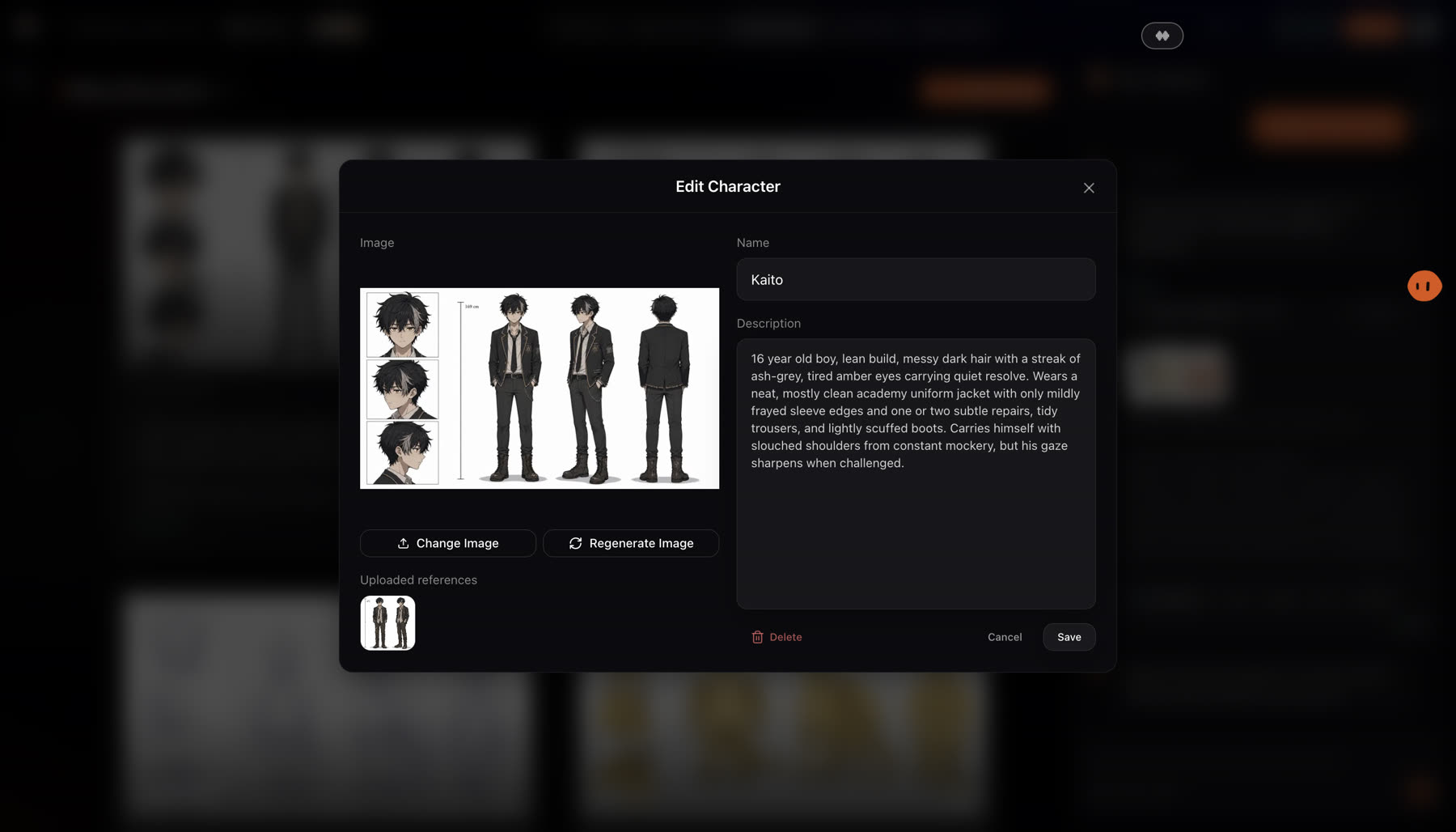
Character art you can keep changing
New outfit, older face, different hair: open the character, rewrite the description and regenerate the image, or swap in another picture. Kaito's sheet here feeds every scene he appears in, so one edit carries through the story.
One image for every feed
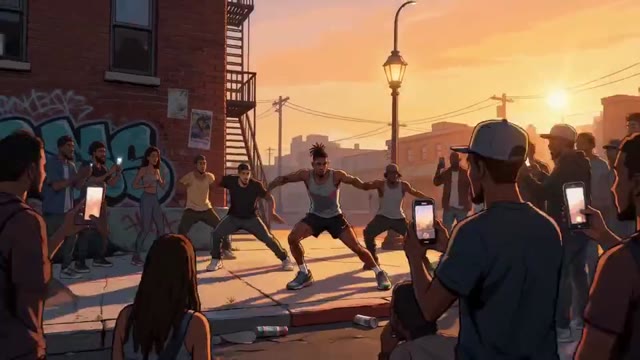
Resize and expand a picture for a 9:16 story, a 1:1 post or a 16:9 thumbnail. The AI image extender paints the new space to match the original, so the subject stays in frame and nothing gets stretched.
One colour grade across a set
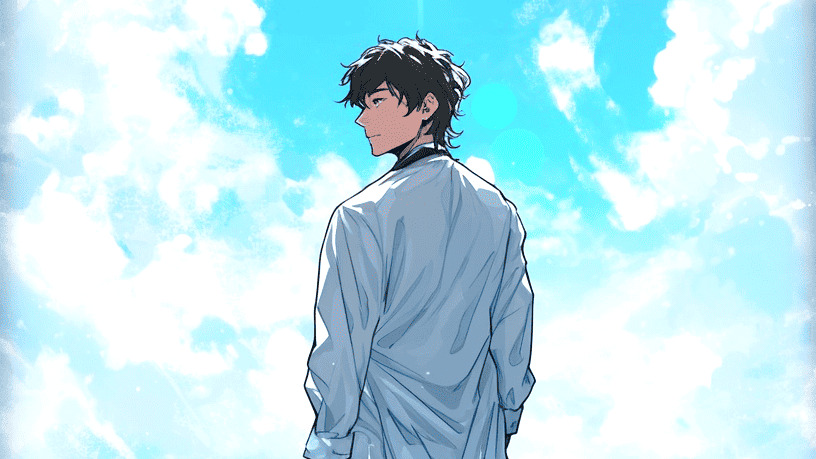
Comic panels, a storyboard or a run of scene images look better when they match. Grade one shot, or apply a look to the whole story, and adjust colour, contrast and exposure until it sets the mood you want.
Reangle
Move the camera after the shot.
Most photo editors stop at what the lens saw. Ask for the same moment from another angle or perspective, and the set and the cast stay where they were. Fix every frame your story needs, then Tala, the producer agent, runs the shots in parallel.
Simple pricing
Pick the credits you need. Every paid plan exports clean, with a commercial licence.
For Individual Creators
Standard
$19/month
Billed monthly
1,900 credits / month
- ~380 images, ~190s of video
- Access to all image, video & audio models
- Intelligent agentic chat — access to specialised subagents
- 900+ art styles
- Micro-drama creation (vertical episodic series)
- Consistent art style, characters and voices
For Full-Time Creatives and Marketers
Pro
$39/month
Billed monthly
4,300 credits / month
- ~860 images, ~430s of video
- Access to all image, video & audio models
- Intelligent agentic chat — access to specialised subagents
- 900+ art styles
- Micro-drama creation (vertical episodic series)
- Consistent art style, characters and voices
For Marketing or Creative Teams
Director
$99/month
Billed monthly
12,000 credits / month
- ~2400 images, ~1200s of video
- Access to all image, video & audio models
- Intelligent agentic chat — access to specialised subagents
- 900+ art styles
- Micro-drama creation (vertical episodic series)
- Consistent art style, characters and voices
For Studios & Agencies
Studio
$299/month
Billed monthly
42,000 credits / month
- ~8400 images, ~4200s of video
- Access to all image, video & audio models
- Intelligent agentic chat — access to specialised subagents
- 900+ art styles
- Micro-drama creation (vertical episodic series)
- Consistent art style, characters and voices