Docs / MCP
Content factory
Content factory makes videos in the look of a reference video, drawn in code instead of AI-generated. Ask your own AI agent, pick the look, and it gives you the final video.
Updated November 16, 2026
What it is
No AI images or AI video are generated. Your agent makes the video in code, matching the look of a preset, so a whole series of videos stays on one style.
Before you start
- An AI agent that can run code on your computer, such as Claude Code or Codex.
- Animeblip connected to that agent over MCP. See Connect an AI app.
Find a preset
Presets live on the studio home, under Presets. Each content factory preset is a reference look, with a reference video and a prompt your agent can follow.
- 1
Open the content factory presets
Go to the content factory presets. The studio home opens at Presets with the Content factory chip selected.
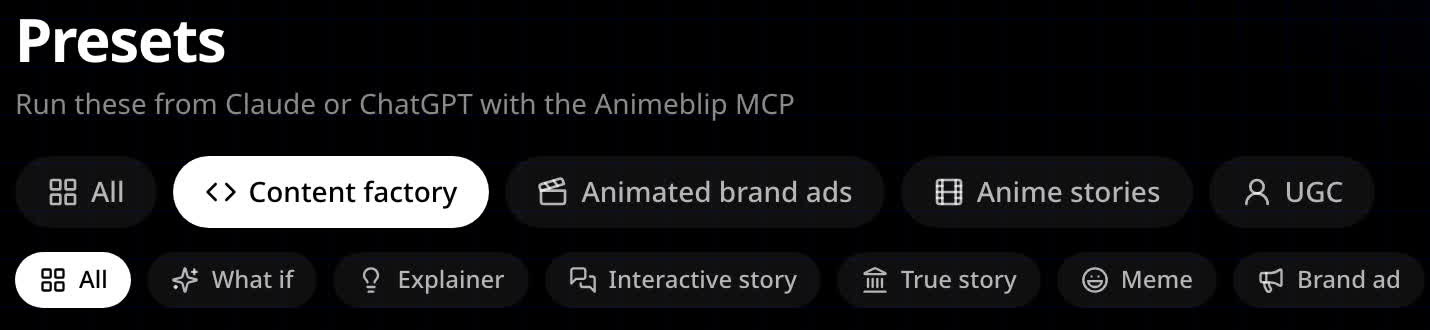
Presets on the studio home, with the Content factory family selected. - 2
Narrow by category
Use the second row of chips to narrow the list by category, or link straight to one, for example brand ads.
- 3
Open a preset
Open a preset to watch its reference video, for example Papercut Myth. The link icon at the top copies a link to that preset.
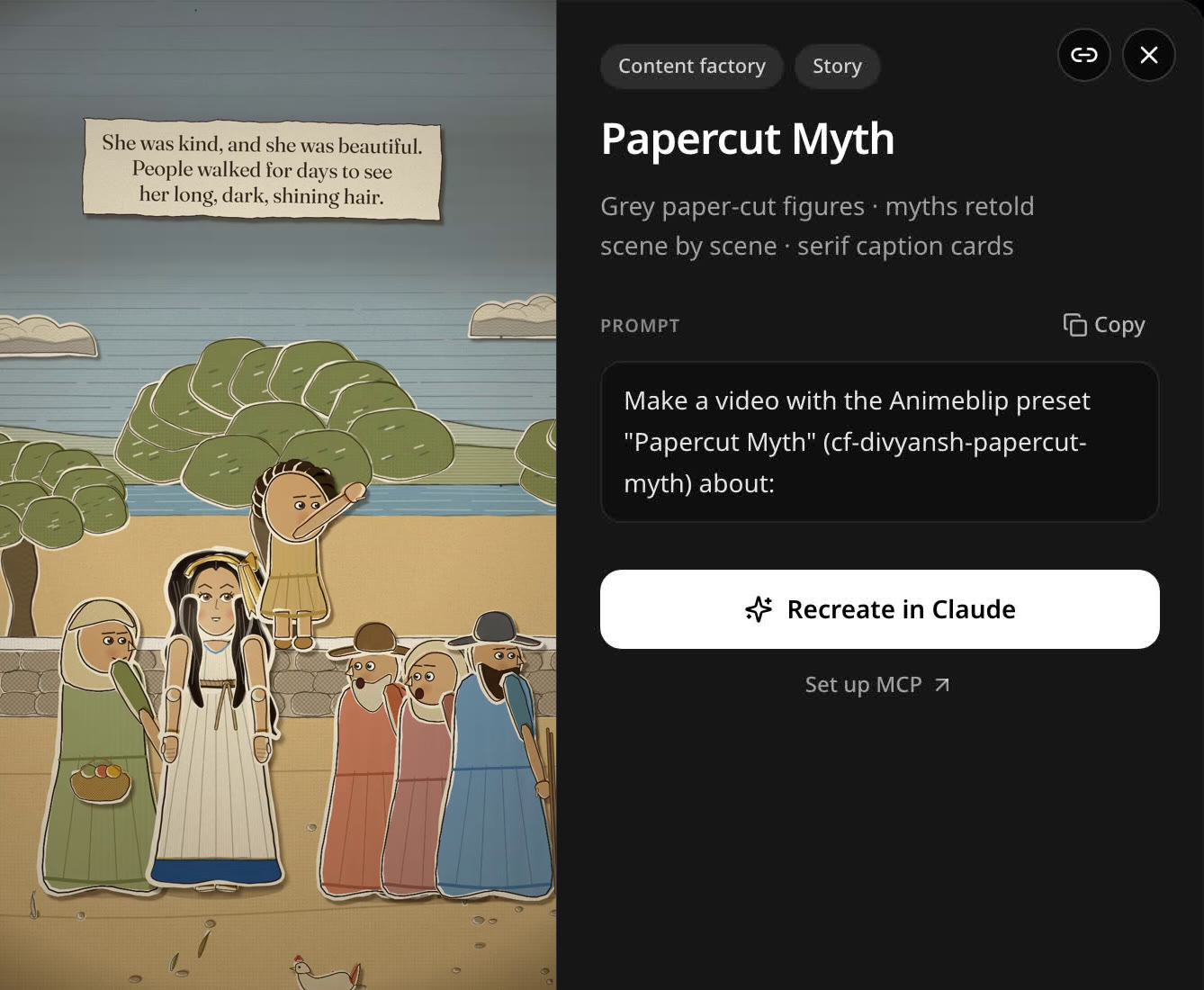
A preset: its reference video in that art style, the prompt, Recreate in Claude and Set up MCP. The link icon copies a link to it. - 4
Use it with your agent
Copy the prompt into your agent, or choose Recreate in Claude to open it in a new Claude chat. Set up MCP takes you to the MCP page if you have not connected yet.
Steps
- 1
Connect the MCP
Add Animeblip to your agent with your connector URL. For Claude Code, see Claude and Claude Code setup.
- 2
Ask for a video
Tell your agent you want a content factory video and what it is about.
- 3
Pick the look
Choose one of the content factory presets (see Find a preset), or give the agent a sample video you like. The agent studies it.
- 4
Get your video
The agent makes the video and gives you the final file.
A prompt to start with
Use Animeblip to make a content factory video. Read the content-factory guide first.
Topic: 3 tips for staying focused while studying.
Look: pick a content factory preset that suits an explainer, and show me the options first.
Format: vertical 9:16, about 30 seconds.
If something looks wrong
- The look drifts from the preset. Tell the agent what is off, for example the colours or the type, and ask it to fix it.
- The agent improvises instead of following the preset. Ask it to read Animeblip's content-factory guide first.
Next
Was this page helpful?