Docs / Images

    Art styles

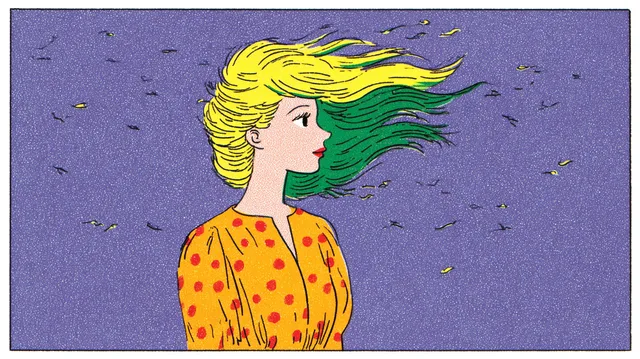
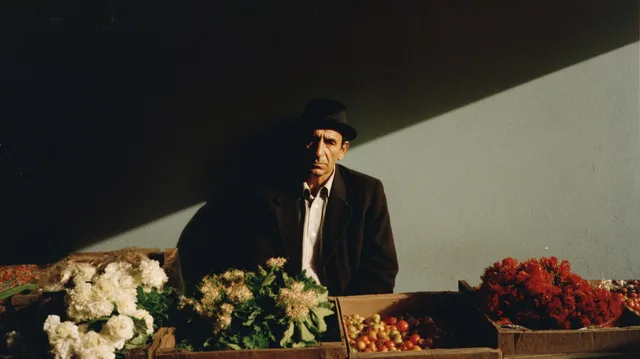
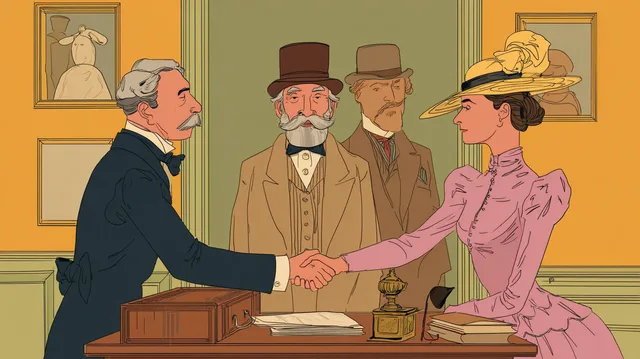
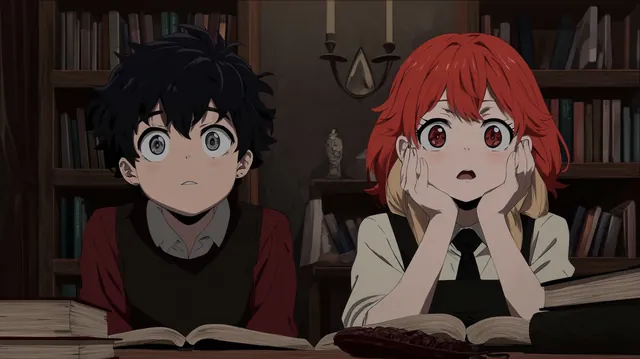
    An art style is the look of your whole film. Choose one from the picker and every image the crew generates for the story follows it, which keeps the first scene and the fortieth looking like the same film.

    Updated November 16, 2026
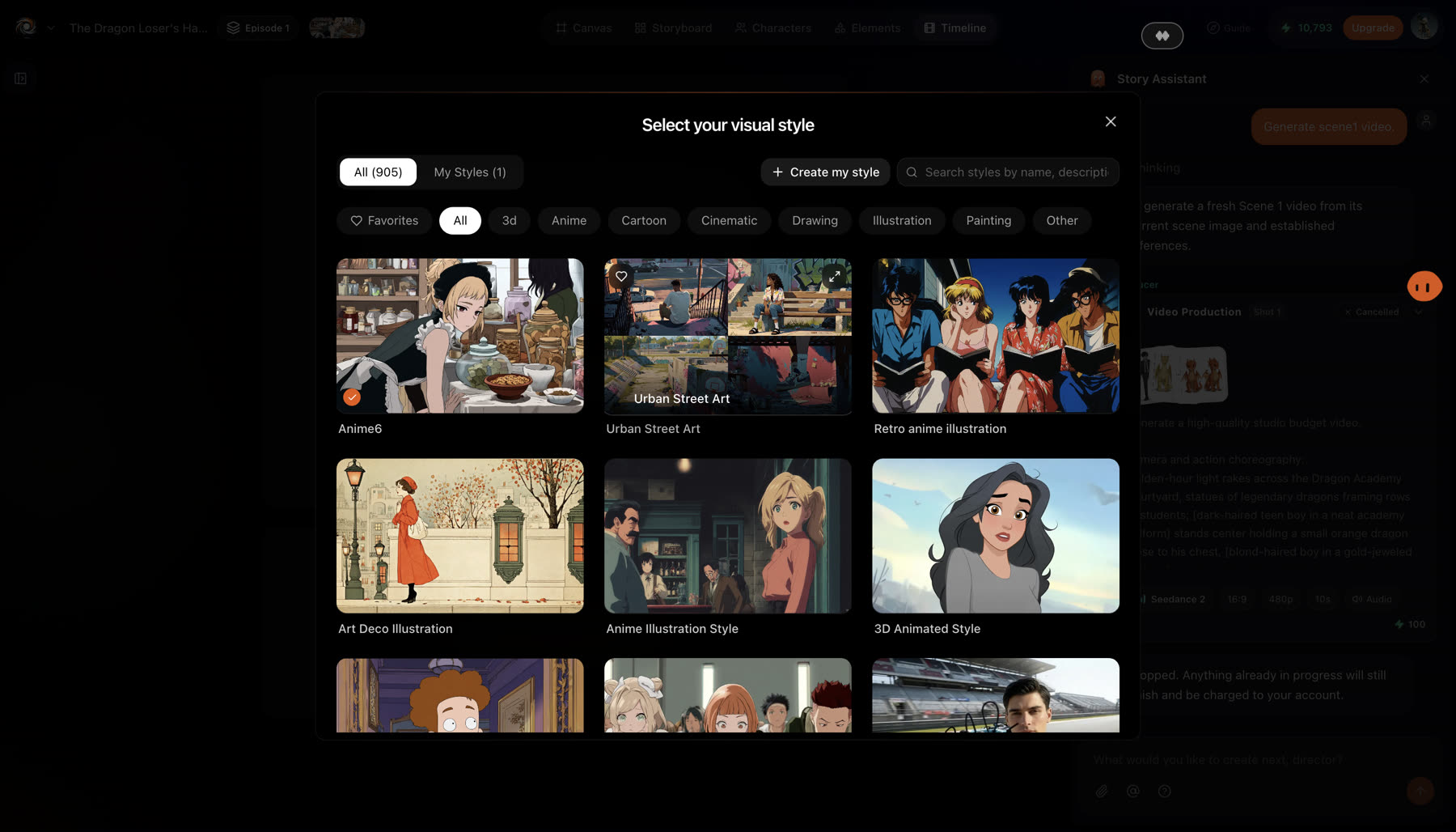
    The Select your visual style picker with tabs for all styles and My Styles, a Create my style button, a search box, category filters and a grid of style thumbnails
    The style picker: browse by category, search, or create your own style.

    Before you start

    Choose the style before the crew generates characters and scenes. A style chosen later applies to new images, so earlier ones would no longer match.
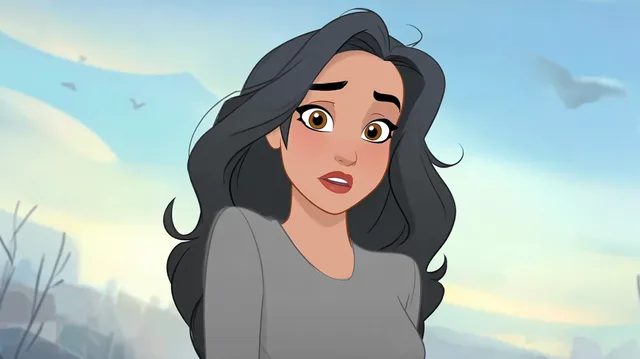
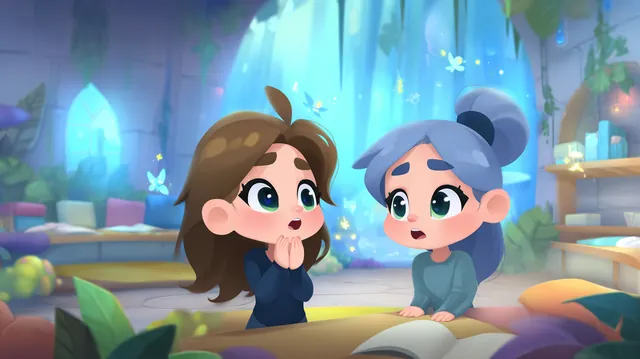
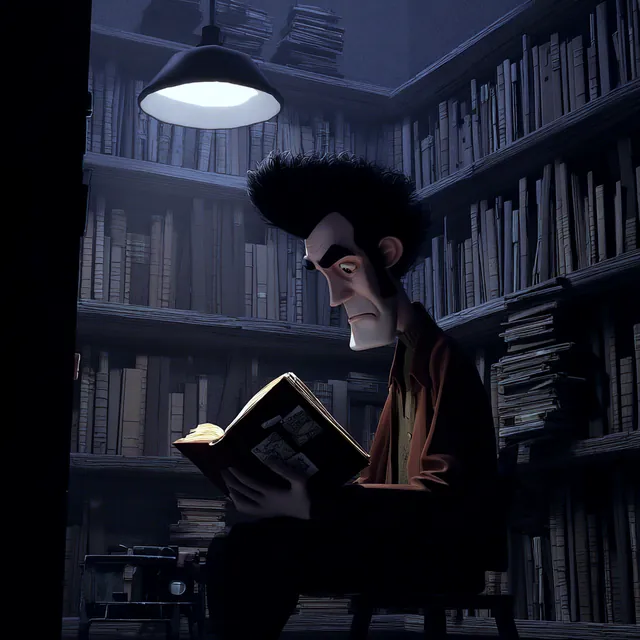
    3D Animated Style
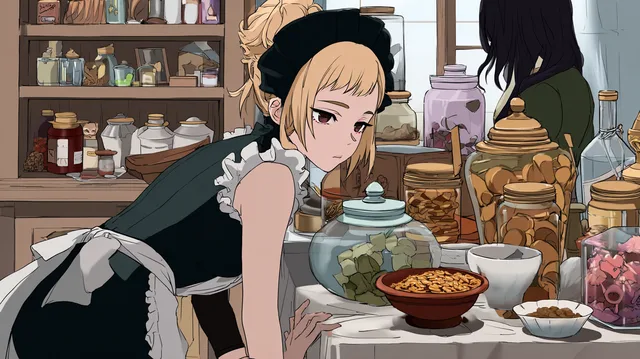
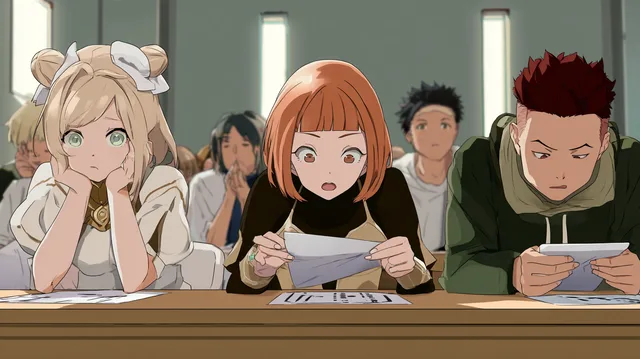
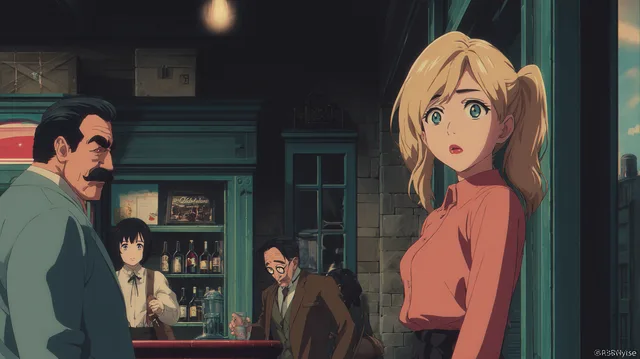
    Anime Illustration Style
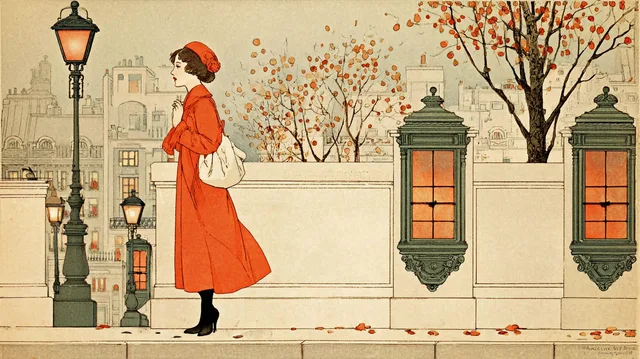
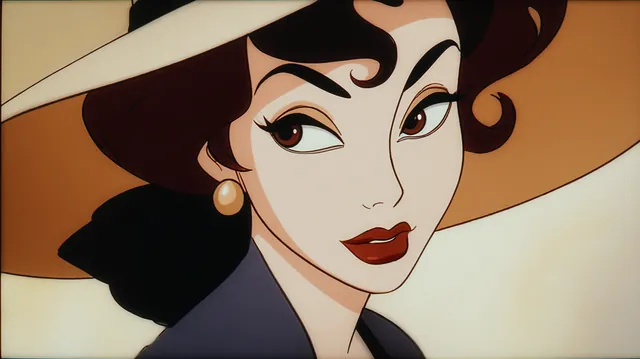
    Art Deco Illustration
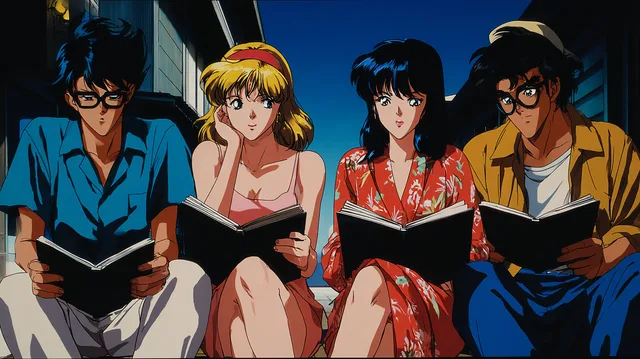
    Retro anime illustration
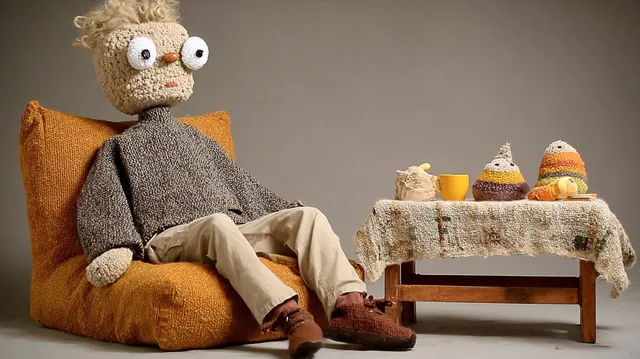
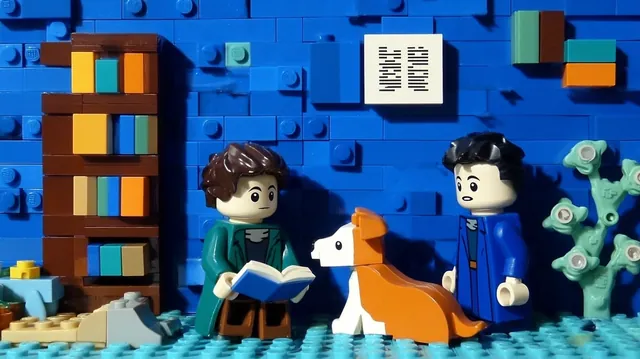
    Miniature Stop-Motion Crafts
    Anime6
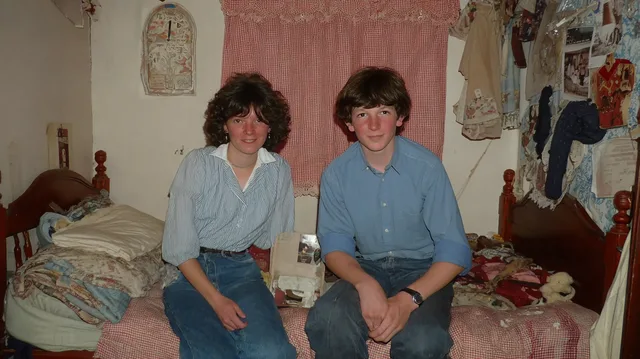
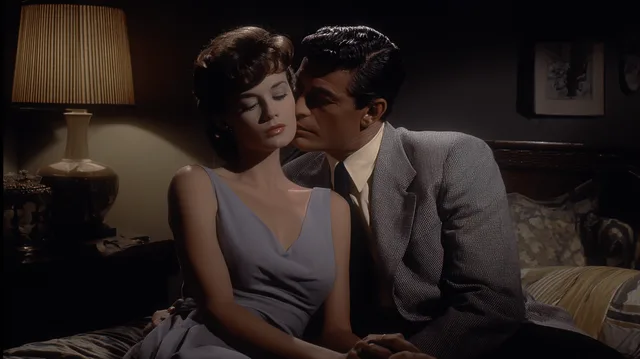
    60s Realistic Photography
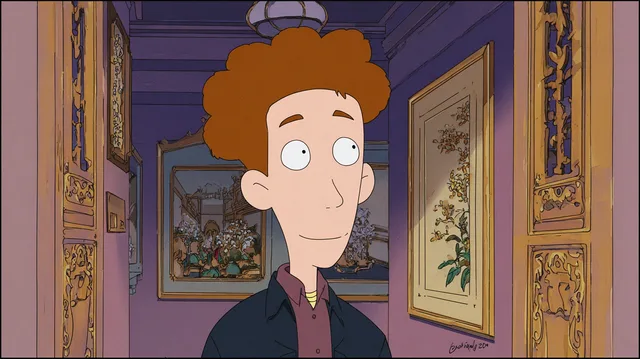
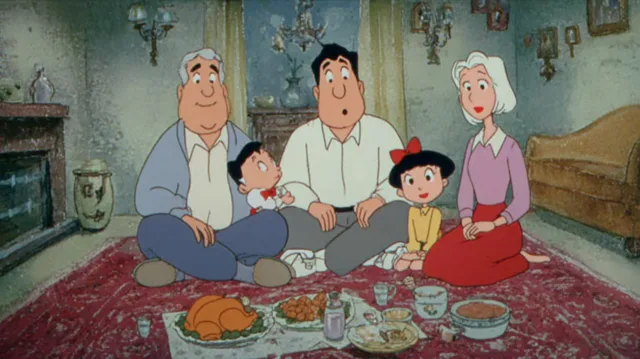
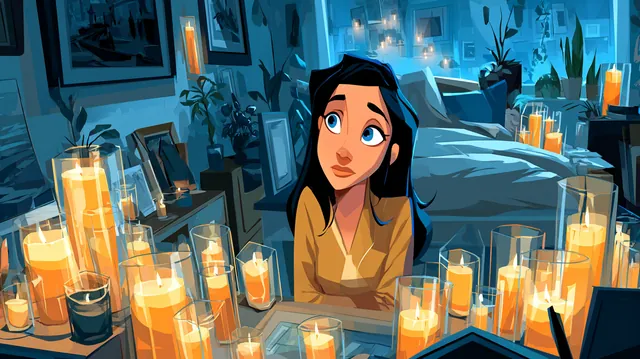
    Stylized 2D Animation
    3D Animated Style
    Anime Illustration Style
    Art Deco Illustration
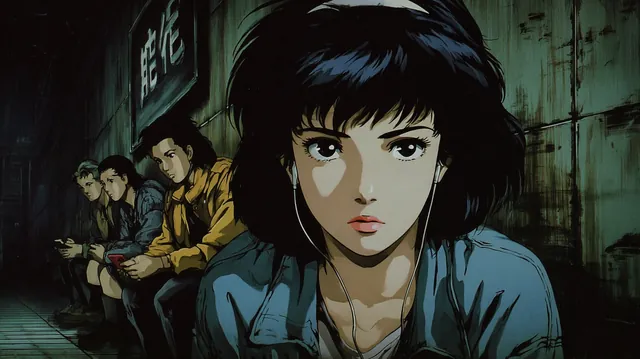
    Retro anime illustration
    Miniature Stop-Motion Crafts
    Anime6
    60s Realistic Photography
    Stylized 2D Animation
    3D Animated Style
    Anime Illustration Style
    Art Deco Illustration
    Retro anime illustration
    Miniature Stop-Motion Crafts
    Anime6
    60s Realistic Photography
    Stylized 2D Animation
    3D Animated Style
    Anime Illustration Style
    Art Deco Illustration
    Retro anime illustration
    Miniature Stop-Motion Crafts
    Anime6
    60s Realistic Photography
    Stylized 2D Animation
    Stylized 3D Character Art2
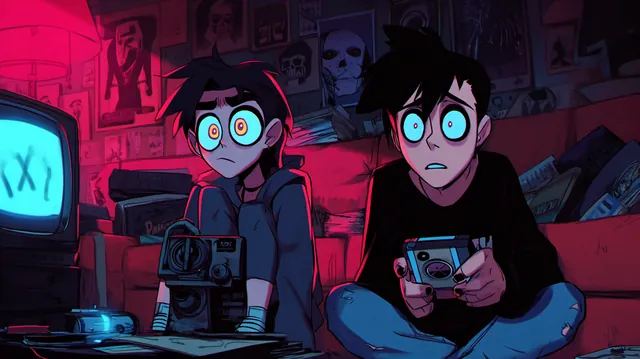
    Modern Anime4
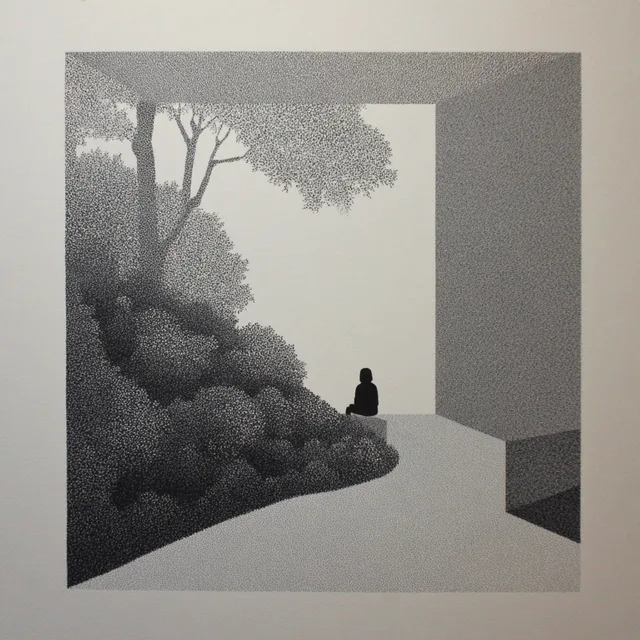
    Stippled black&white
    90s Classic Film Noir
    90s Cartoon
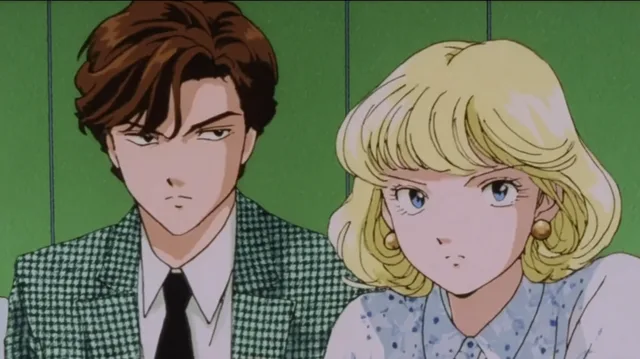
    Classic Anime
    Stylized Line Illustration
    Dramatic Chiaroscuro cenimatic
    Stylized 3D Character Art2
    Modern Anime4
    Stippled black&white
    90s Classic Film Noir
    90s Cartoon
    Classic Anime
    Stylized Line Illustration
    Dramatic Chiaroscuro cenimatic
    Stylized 3D Character Art2
    Modern Anime4
    Stippled black&white
    90s Classic Film Noir
    90s Cartoon
    Classic Anime
    Stylized Line Illustration
    Dramatic Chiaroscuro cenimatic
    Stylized 3D Character Art2
    Modern Anime4
    Stippled black&white
    90s Classic Film Noir
    90s Cartoon
    Classic Anime
    Stylized Line Illustration
    Dramatic Chiaroscuro cenimatic
    Modern Comic Cartoon
    Anime 5
    Modern Cartoon Illustration
    Retro Riviera
    3D cartoon
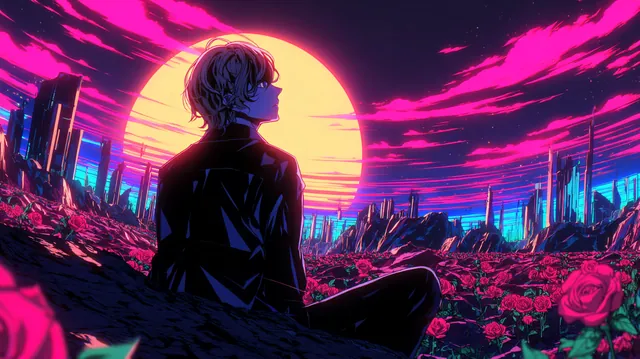
    Cyberpunk Anime Art
    Stylized Digital cartoon2
    Neo-Noir Anime Illustration
    Modern Comic Cartoon
    Anime 5
    Modern Cartoon Illustration
    Retro Riviera
    3D cartoon
    Cyberpunk Anime Art
    Stylized Digital cartoon2
    Neo-Noir Anime Illustration
    Modern Comic Cartoon
    Anime 5
    Modern Cartoon Illustration
    Retro Riviera
    3D cartoon
    Cyberpunk Anime Art
    Stylized Digital cartoon2
    Neo-Noir Anime Illustration
    Modern Comic Cartoon
    Anime 5
    Modern Cartoon Illustration
    Retro Riviera
    3D cartoon
    Cyberpunk Anime Art
    Stylized Digital cartoon2
    Neo-Noir Anime Illustration

    Choose a style

    1. 1

      Open the picker

      Choose a style from the picker in the assets panel, or from Art Style under the story idea box when you start a story.

    2. 2

      Browse or search

      Filter by category or search by name. Mark the styles you like as favourites to find them again.

    3. 3

      Select it

      Pick the style. Every image the crew generates for the story follows it from then on.
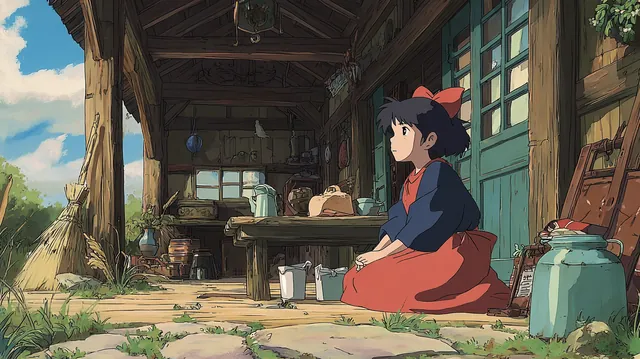
    A hand-drawn anime illustration style sample
    Hand-drawn anime
    A neon cyberpunk anime style sample
    Cyberpunk anime
    A 3D cartoon style sample
    3D cartoon
    A neo-noir anime illustration style sample
    Neo-noir anime
    A modern cartoon illustration style sample
    Modern cartoon
    A low-poly 3D render style sample
    Low-poly 3D

    Create your own style

    Have a look the library does not cover? Choose Create my style and upload up to four images that share the look you want. Your style appears under My Styles and works like any other style in the picker.

    • Use images that agree with each other: the same line weight, palette and lighting.
    • Pick images of the look, not of one subject, so the style carries over to new characters and places.

    If something looks wrong

    • Some images do not match the rest. They were made before the style was set, or with a different style. Regenerate them so they follow the current style.
    • Your own style comes out inconsistent. The source images disagree. Create the style again from images that share one look.

    Next