Docs / Audio
Character voices
Every character gets one voice and keeps it in every scene and every episode. Pick it once, or upload your own, and the crew uses it for all of the character's dialogue.
Updated November 16, 2026
Before you start
Set the story's language in Story settings first. Dialogue and voices follow it.
Assign a voice
- 1
Open the voice picker
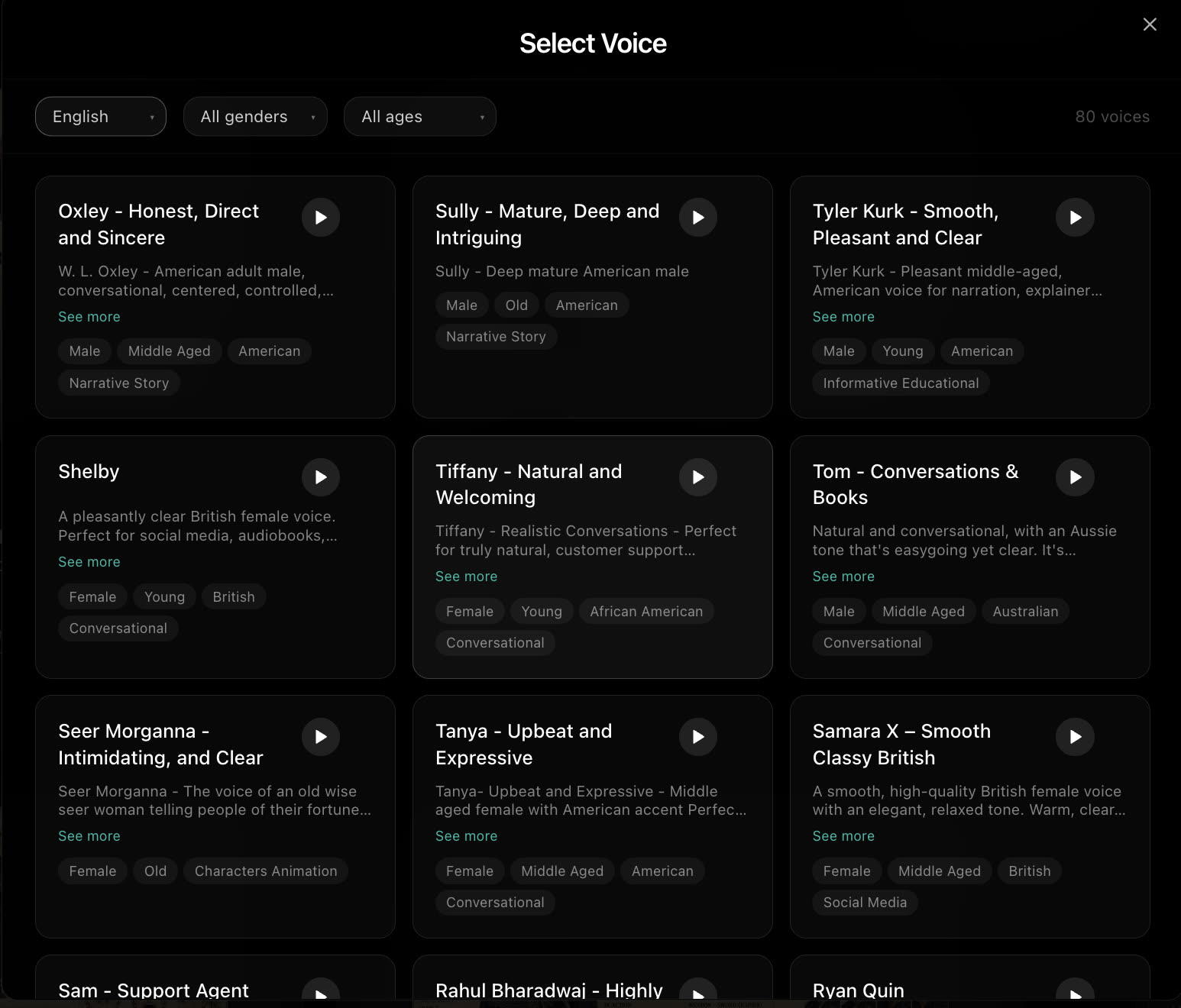
On the character card, choose Add or Change next to the voice. Until you pick one, the character uses Auto Voice, the default.
- 2
Filter and preview
Filter the library by age and gender, then press play on a few voices to hear them.
- 3
Pick one
Select the voice, or upload your own. The character keeps it in every scene and every episode of the series.
Voice tools
- Your own voice
- Upload your own voice clip on the character's voice picker. The character keeps that voice in reference videos on models that take a voice: Seedance 2 and 2.5, Vidu Q4, MiniMax H3 and Wan 3.
- Audio tab
- Generate speech outside a scene from the Audio tab in the sidebar.
Best practices
- Match the voice to the sheet. Age and energy should fit what the viewer sees.
- Keep voices distinct. Two characters who talk to each other should not sound alike.
- Decide before the dialogue scenes. Changing a voice later means regenerating the lines already made.
If something looks wrong
- The voice speaks the wrong language. Check the story's Language setting, and filter the picker to that language.
- A character sounds different in one scene. Check that scene still has the character assigned, then regenerate the audio or video for it.
Next
Was this page helpful?