Docs / Video
Final cut and export
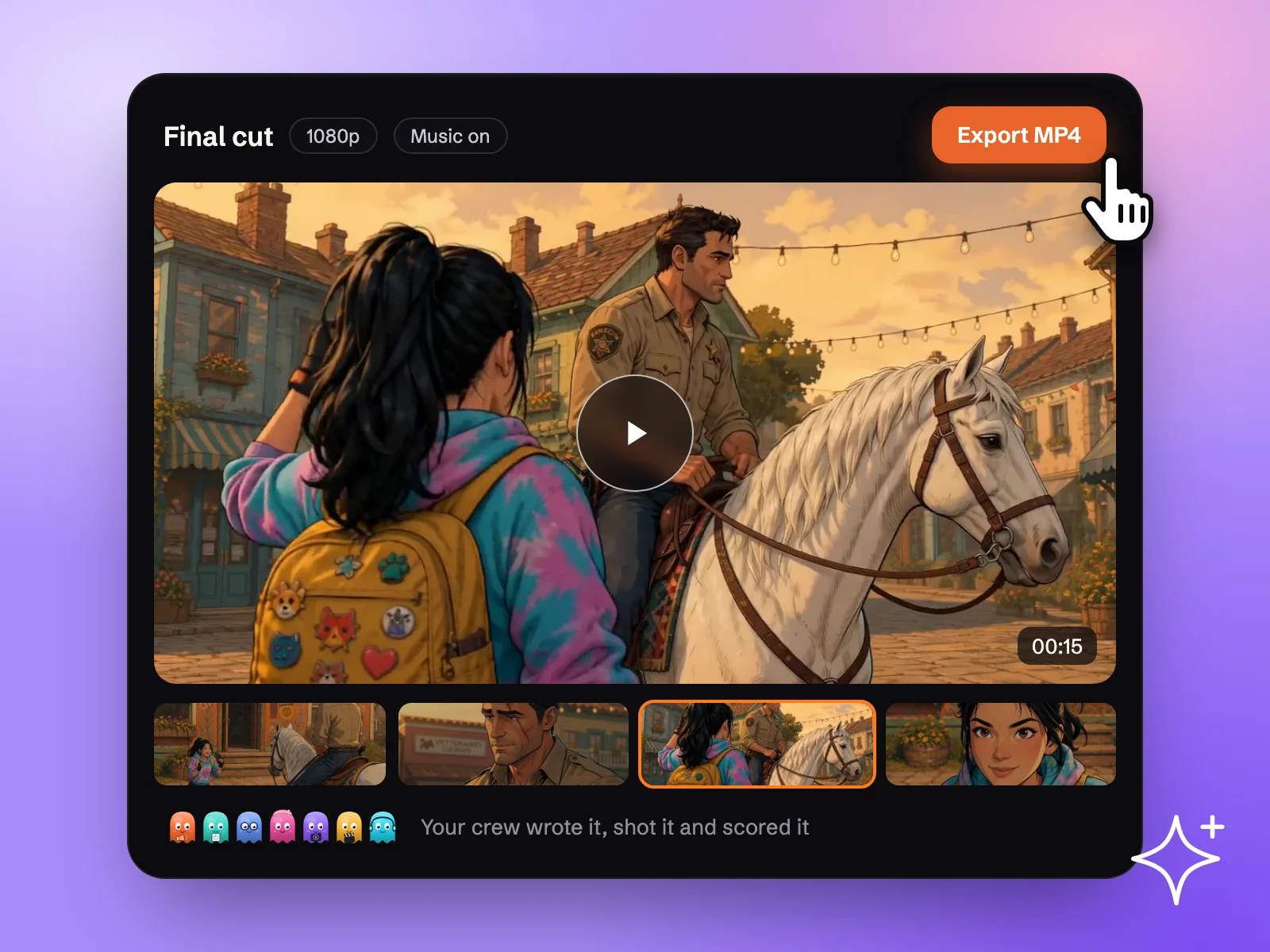
When every scene has its video, ask for music and then for the final video. Every scene is stitched with the score into one MP4 at full HD, in the aspect ratio you chose for the story.
Updated November 16, 2026
Before you start
- Every scene you want in the film has a video you are happy with.
- The scenes are in the right order. Check them on the Timeline, where you can trim, reorder and play through the story before the final cut.
- Dialogue and voices are set on each character. See Character voices.
Steps
- 1
Play the timeline
Scene videos land on their cards and in the timeline. Play the story from start to end, trim a scene that runs long, and reorder if a beat lands in the wrong place.
- 2
Ask for music
Ask Echo, the Sound Designer, for music. Give a mood if you have one ("tense, then warm at the end"). Echo writes an original track to the length and the beat of the story.
- 3
Ask for the final video
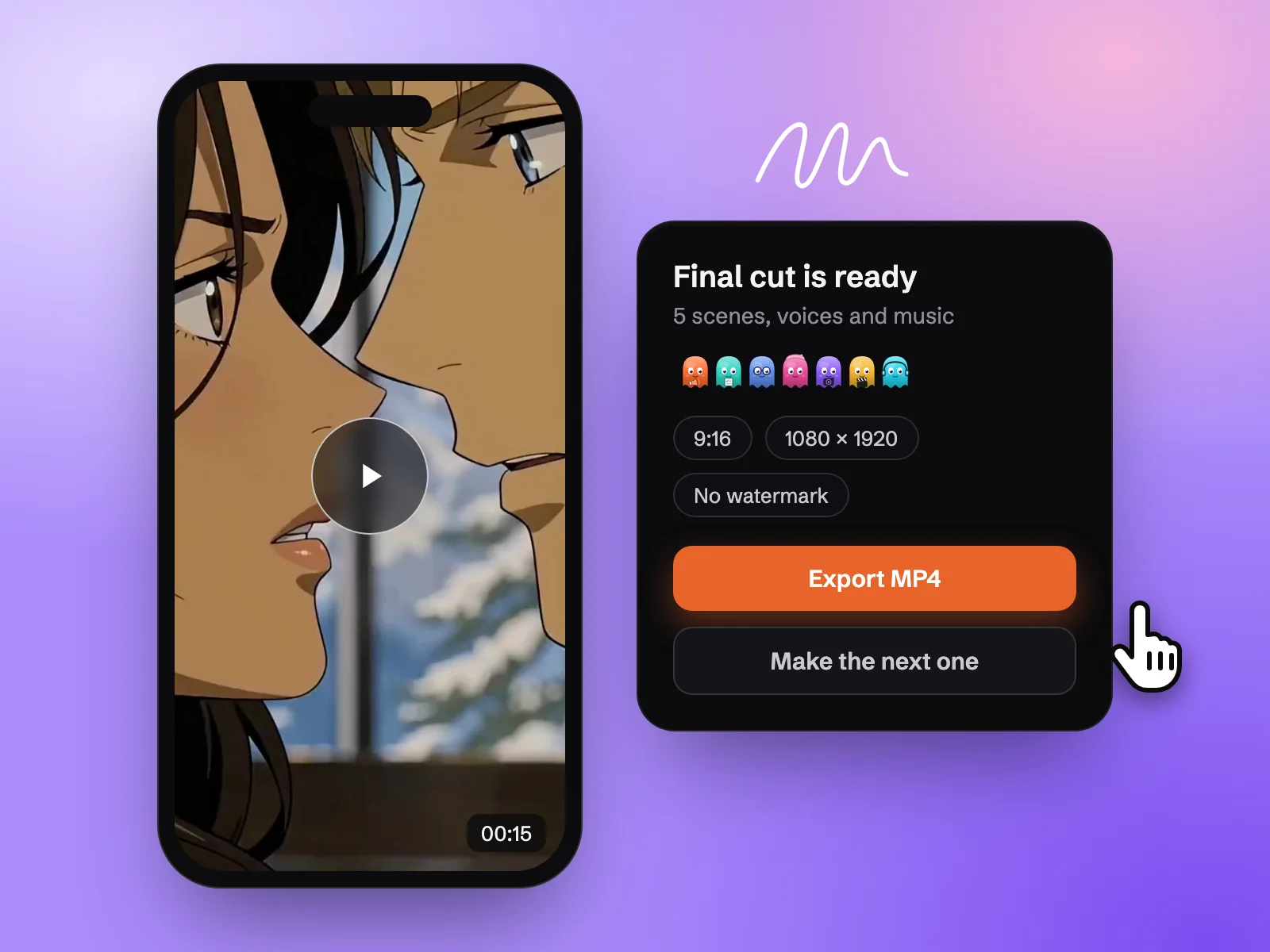
Every scene is stitched with the score into one MP4 at full HD: 1920×1080 landscape, 1080×1920 portrait or 1080×1080 square.
- 4
Export
Download the MP4. Upscale the cut to 4K when it is final.
Formats
9:16 portrait
- Final cut
- 1080×1920 MP4
- Good for
- Reels, Shorts, TikTok, micro-drama
16:9 landscape
- Final cut
- 1920×1080 MP4
- Good for
- YouTube, websites, presentations
1:1 square
- Final cut
- 1080×1080 MP4
- Good for
- Feed posts
| Story ratio | Final cut | Good for |
|---|---|---|
| 9:16 portrait | 1080×1920 MP4 | Reels, Shorts, TikTok, micro-drama |
| 16:9 landscape | 1920×1080 MP4 | YouTube, websites, presentations |
| 1:1 square | 1080×1080 MP4 | Feed posts |
Watermark and licence
Free accounts export with a watermark. Every paid plan exports clean, with a commercial-use licence. See Plans and top-ups.
Best practices
Weak
Add music.
Better
Add music: soft piano for the first half, building to strings when the dragon lands, warm and quiet on the last shot.
Describe the arc of the mood, not just a genre. The track is written to the beat of your story.
- Lock the edit before the music. A track is written to the length of the story, so trimming afterwards can cut it mid-phrase.
- Watch the cut on a phone if it is for social. Small text and fast cuts read differently at that size.
Review the result
- Order and pace: every beat lands, and no scene outstays its welcome.
- Sound: dialogue is audible over the music.
- Format: the ratio matches where you will post it.
If something looks wrong
- A scene is missing from the cut. Check that the scene has a video on its card and appears in the timeline, then ask for the final video again.
- The music ends before the film. Ask for a new track after the last trim, so it is written to the final length.
- The export has a watermark. Free accounts export with a watermark. Every paid plan exports clean.
Next
Was this page helpful?