Docs / Video
Tools
Fifteen tools, all inside the same board. Each opens from the Tools menu or by asking for it in the chat. The crew reaches for them on its own when a shot needs one; you can call any of them directly.
Updated November 16, 2026
How to use a tool
You do not need to know the tool's name. Say what you want in the chat ("make it dusk", "show it from behind", "carry this shot two seconds further") and the crew picks the tool. Or open it from the Tools menu and use it yourself.
Image tools
Character models
- What it does
- Generate character sheets for a consistent look you can reuse in any generation. Lock a face, a build and a wardrobe once.
- How to reach it
- Characters panel, or ask the character designer in the chat.
Inpainting
- What it does
- Paint out what you do not want, or paint in what you do. The rest of the frame holds.
- How to reach it
- Select a region on any image and describe the change.
Sketches to life
- What it does
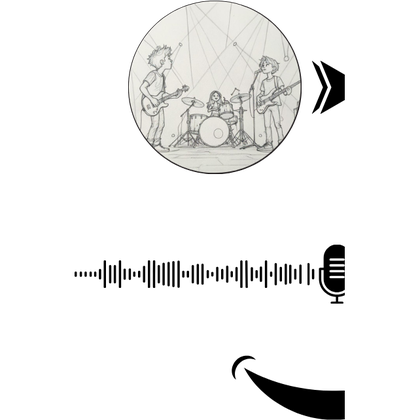
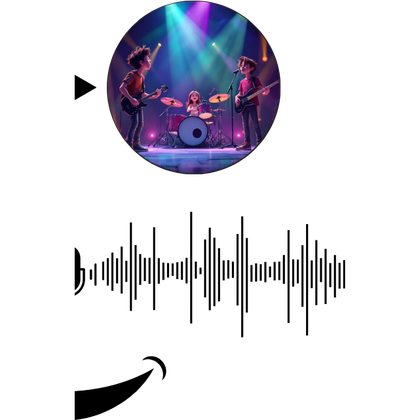
- Hand it a rough sketch and get the finished frame back in the style you locked.
- How to reach it
- Upload the sketch as a reference and ask for the frame.
Relight
- What it does
- Move the key light after the shot exists. Same frame, different hour of the day.
- How to reach it
- Ask for the lighting change on a scene image.
Reangle
- What it does
- Ask for the same moment from another angle. The set and the cast stay where they were.
- How to reach it
- Describe the new camera position on a scene image.
Colour grading
- What it does
- Adjust colour, contrast and exposure to set the mood and keep every shot visually consistent.
- How to reach it
- Grade a single shot, or apply a look to the whole story.
Resize the frame
- What it does
- Open a shot out past its edges for another aspect ratio.
- How to reach it
- Choose the target ratio on any image.
| Tool | What it does | How to reach it |
|---|---|---|
| Character models | Generate character sheets for a consistent look you can reuse in any generation. Lock a face, a build and a wardrobe once. | Characters panel, or ask the character designer in the chat. |
| Inpainting | Paint out what you do not want, or paint in what you do. The rest of the frame holds. | Select a region on any image and describe the change. |
| Sketches to life | Hand it a rough sketch and get the finished frame back in the style you locked. | Upload the sketch as a reference and ask for the frame. |
| Relight | Move the key light after the shot exists. Same frame, different hour of the day. | Ask for the lighting change on a scene image. |
| Reangle | Ask for the same moment from another angle. The set and the cast stay where they were. | Describe the new camera position on a scene image. |
| Colour grading | Adjust colour, contrast and exposure to set the mood and keep every shot visually consistent. | Grade a single shot, or apply a look to the whole story. |
| Resize the frame | Open a shot out past its edges for another aspect ratio. | Choose the target ratio on any image. |
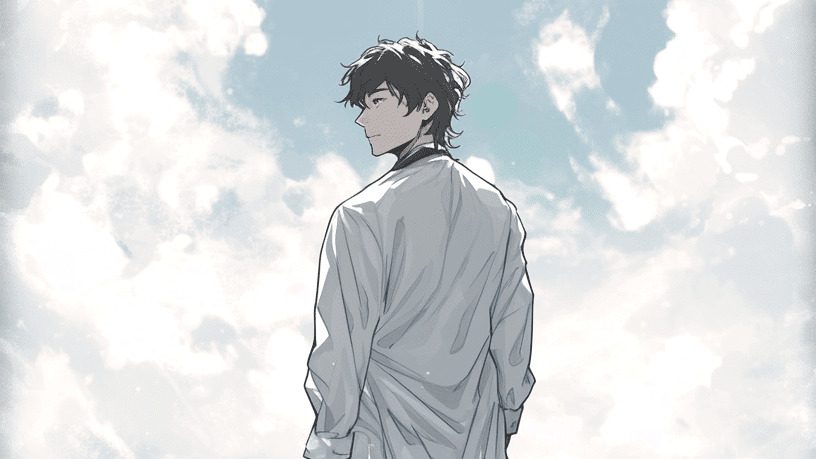
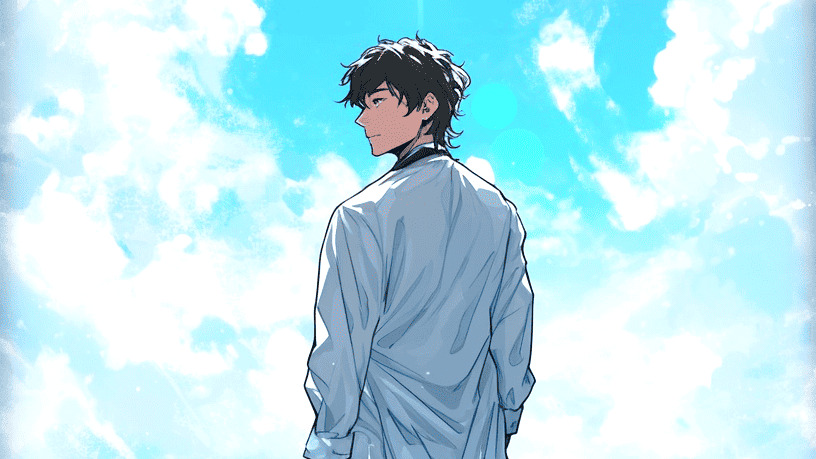
Weak
Change the lighting.
Better
Relight scene 2 to blue hour: the sun just set behind the academy, lamps on, cool shadows on Kaito's face.
Name the time of day and where the light comes from. Relight keeps the frame and moves only the light.
Video tools
Motion control
- What it does
- Use a reference video to guide your character's movement, gestures and performance.
- How to reach it
- Add a reference video on the video confirmation card.
Frames to video
- What it does
- Give it a first and last frame and it inbetweens the motion between them.
- How to reach it
- Freeform generator, with a start and an end frame.
Extend a video
- What it does
- Carry a finished take further without re-rolling the part you liked.
- How to reach it
- Ask to extend any scene video.
Video object replacement
- What it does
- Replace a person or object while preserving the shot's motion, lighting and composition.
- How to reach it
- Name what to swap and what to swap it with.
Upscale
- What it does
- Draft at 480p for speed, then finish only the shots you keep at 4K.
- How to reach it
- Upscale a scene video or the final cut.
| Tool | What it does | How to reach it |
|---|---|---|
| Motion control | Use a reference video to guide your character's movement, gestures and performance. | Add a reference video on the video confirmation card. |
| Frames to video | Give it a first and last frame and it inbetweens the motion between them. | Freeform generator, with a start and an end frame. |
| Extend a video | Carry a finished take further without re-rolling the part you liked. | Ask to extend any scene video. |
| Video object replacement | Replace a person or object while preserving the shot's motion, lighting and composition. | Name what to swap and what to swap it with. |
| Upscale | Draft at 480p for speed, then finish only the shots you keep at 4K. | Upscale a scene video or the final cut. |
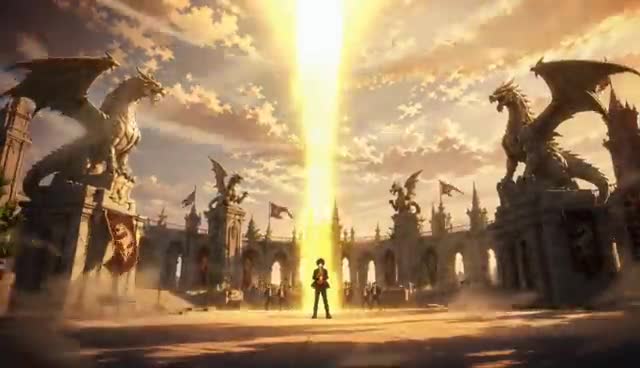
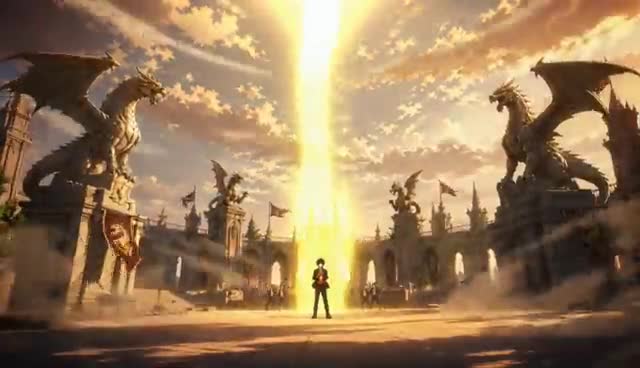
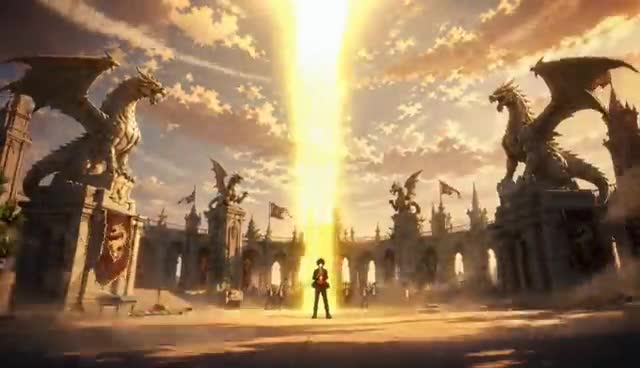
For more on reference videos, extending and editing a take, see Video references.
Audio tools
Voice & dialogue
- What it does
- Set a voice profile per character and keep dialogue consistent across every scene.
- How to reach it
- Voice picker on each character, filtered by age and gender.
Voice cloning
- What it does
- Clone a voice once and keep the same performer across the whole series.
- How to reach it
- Upload a sample on the character's voice picker.
Your own voice
- What it does
- Upload your own voice clip on the character's voice picker. The character keeps that voice in reference videos on models that take a voice: Seedance 2 and 2.5, Vidu Q4, MiniMax H3 and Wan 3.
- How to reach it
- Voice picker on each character.
AI music generator
- What it does
- An original track written to the length and the beat of the story.
- How to reach it
- Ask the sound designer for music, with a mood if you have one.
| Tool | What it does | How to reach it |
|---|---|---|
| Voice & dialogue | Set a voice profile per character and keep dialogue consistent across every scene. | Voice picker on each character, filtered by age and gender. |
| Voice cloning | Clone a voice once and keep the same performer across the whole series. | Upload a sample on the character's voice picker. |
| Your own voice | Upload your own voice clip on the character's voice picker. The character keeps that voice in reference videos on models that take a voice: Seedance 2 and 2.5, Vidu Q4, MiniMax H3 and Wan 3. | Voice picker on each character. |
| AI music generator | An original track written to the length and the beat of the story. | Ask the sound designer for music, with a mood if you have one. |
Voices and speech are covered in Character voices. Music and generated audio are covered in Audio and music.
If something looks wrong
- The tool changed more than you asked. Say what to keep as well as what to change, and change one thing per pass.
- Inpainting left a seam. Select a slightly larger region around the change and run it again.
- Reangle moved the cast. Name who stands where in the prompt, and reference the character sheets.
Next
Was this page helpful?