Docs / Use cases
Micro-drama
Vertical, minutes long, built for the feed — and consistent enough to keep a season going.
Updated November 16, 2026
Start a micro drama
- 1
Choose Micro Drama
On the studio home, choose the Micro Drama chip under the prompt box. It fills the box with a starter line, "Create a micro-drama with a strong hook: ", and puts the cursor after it.
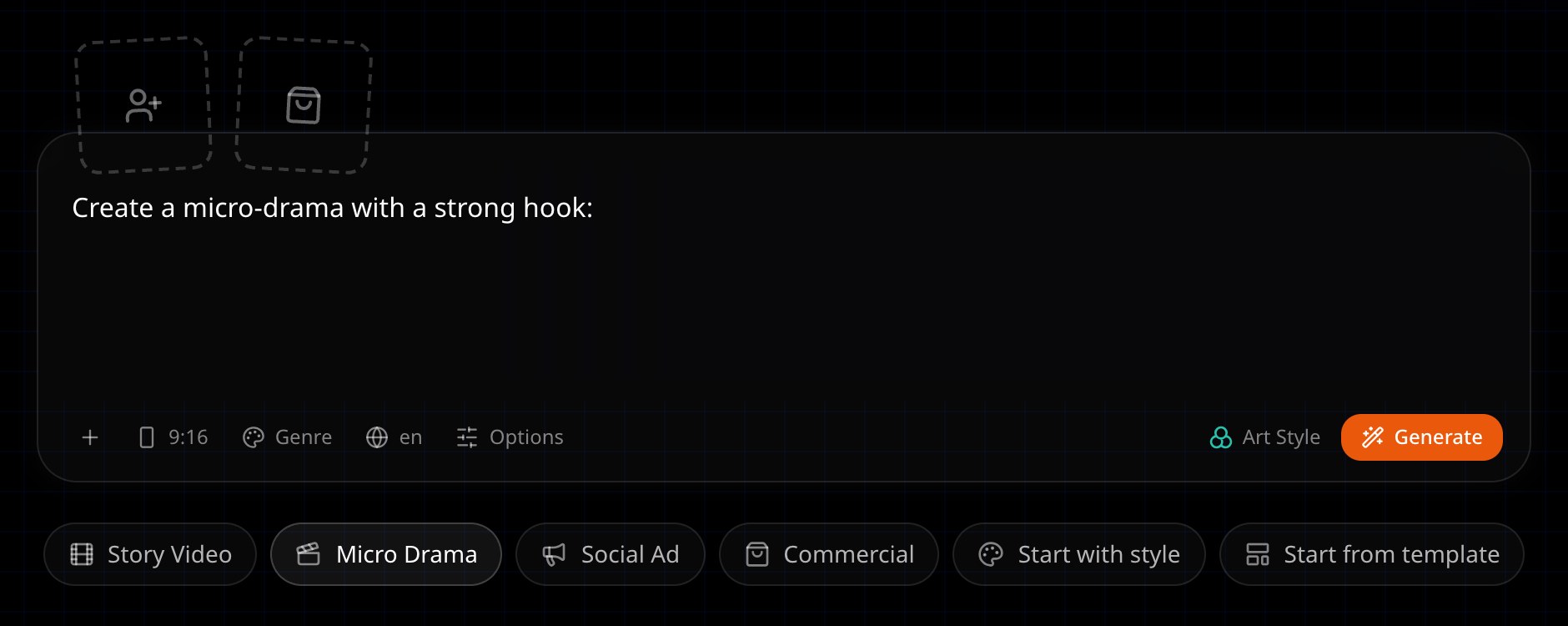
The Micro Drama chip fills the prompt box with a starter line. - 2
Type your idea
Add who it is about and what goes wrong, then choose Generate.
- 3
Confirm the type
On the storyboard the agent asks what kind of video this is. Pick the micro drama option.
How a micro drama is written
- Vertical and serialized, meant to run as several episodes.
- A hook in the first 10 seconds.
- Each episode ends on a suspense hook instead of a resolution.
Episodes
Every story is part of a series. Open Episodes on the storyboard to work with the rest of the series.
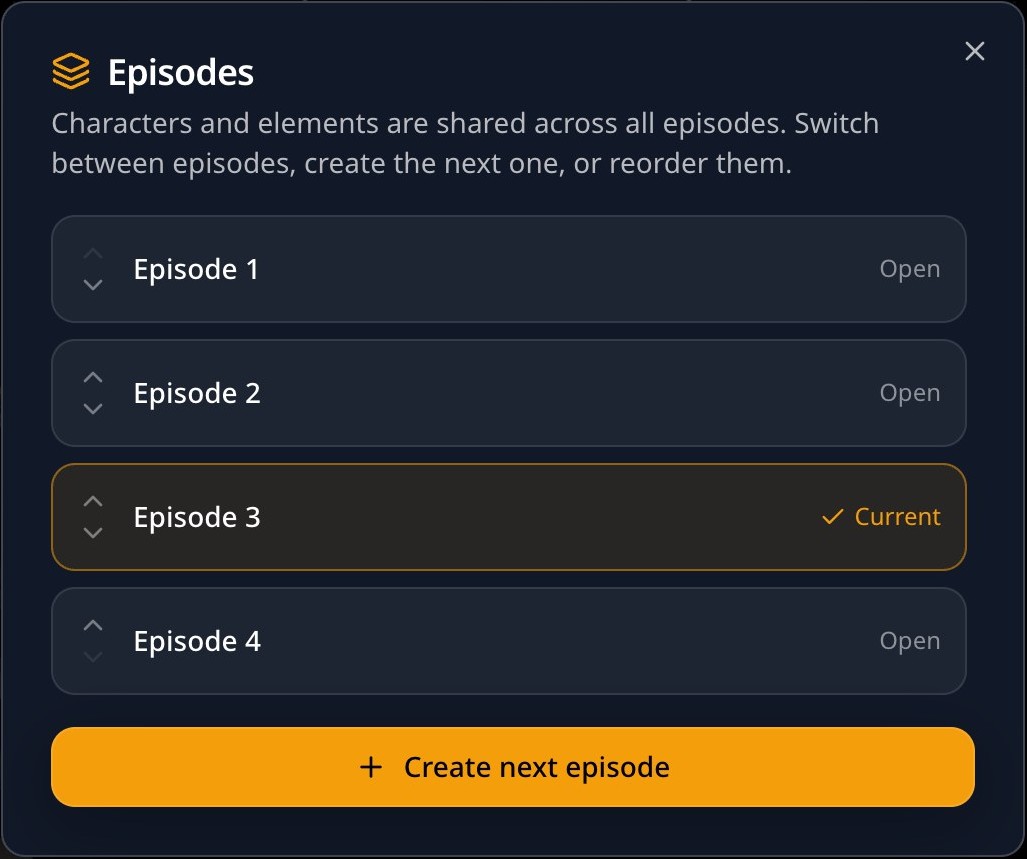
- Switch between episodes.
- Choose Create next episode to add the next one.
- Reorder episodes with Move up and Move down.
What carries over
- Characters and elements are shared across every episode of the series, so the cast stays on-model.
- A new episode copies the art style, aspect ratio and language.
- Episode titles read "Episode 2 of 5" and so on, and My Stories shows how many episodes each series has.
Your AI agent can also chain episodes for you over MCP. See Connect an AI app.
Next
Was this page helpful?