Docs / Use cases
Sports
Turn a fixture, a rivalry or a roster into a serialised story fans come back for every week.
Updated November 16, 2026
Make it in the studio
- 1
Start from a preset or a brief
On the studio home, pick a Sports preset under Presets, or describe the matchday in the prompt box: the fixture, the rivalry, the players and what is at stake. Then choose Generate.
- 2
Add real kit or crests if you need them
Upload kit or crest images as elements, so they look the same in every shot. See Elements.
- 3
Confirm the type
On the storyboard the agent asks what kind of video this is. Pick the story option for a season, or the hype trailer option for a one-off build-up.
One episode per matchday
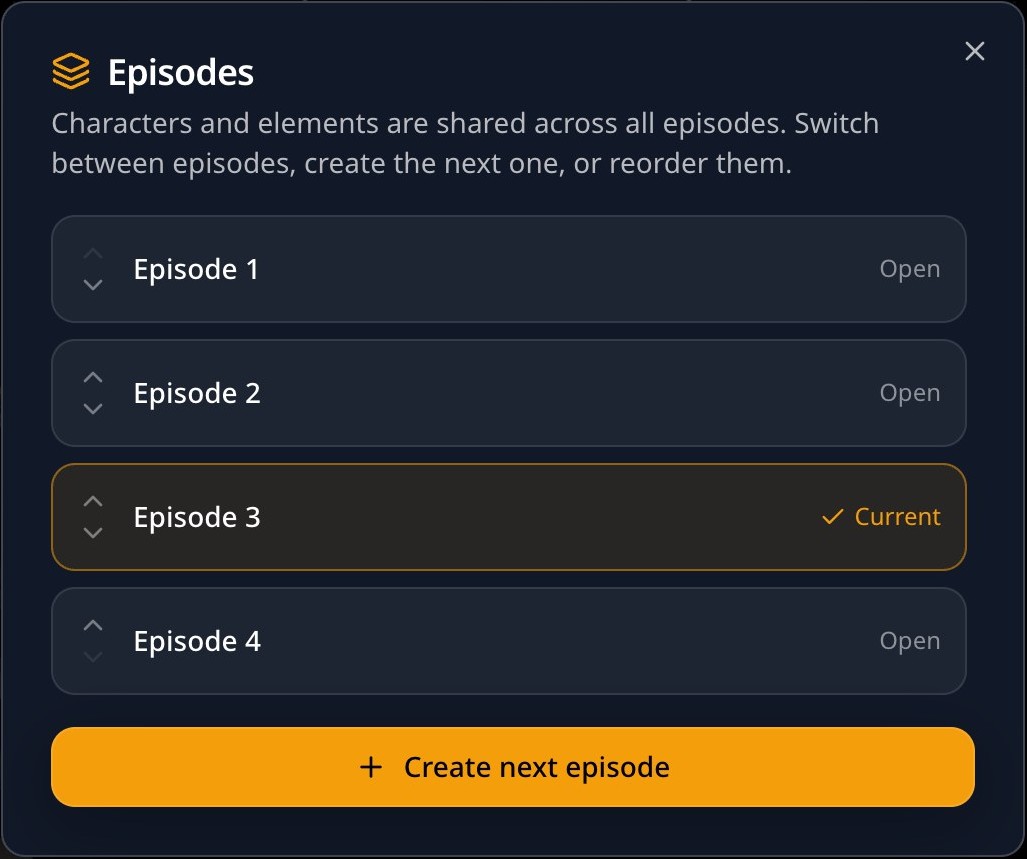
Open Episodes on the storyboard and choose Create next episode. The new episode keeps the art style, aspect ratio and language, and shares the characters and elements. The players stay the same all season.
Next
Was this page helpful?