Docs / Getting started
The agent
Describe what you want in plain words and the agent does it. It is a harness for creative work: it writes, casts, designs, shoots, voices, scores and cuts, and edits any part of the project when you ask.
Updated November 16, 2026
Build story - scenes, characters, locations, images, videos, bgm
On it - I've handed each step to the right crew member.
We will break the script into coherent scenes and generate scene videos using consistent characters.
What it does
- Runs whole jobs on its own. A whole episode, every scene in a new style, a batch of variations: it plans the steps and works through them with the crew.
- Holds your whole project. With every message it reads the screenplay, characters, elements, scenes and settings. Long chats are summarised, so it never loses the thread.
- Looks at your images. Attach images or select them on the canvas, up to 9 per message, and it uses them: "make a character from this", "match this look".
- Looks at your videos. It can study a video by pulling frames from it.
- Hands you any frame. Ask for one, such as "give me the last frame of scene 3's video", and the frame is saved to your assets.
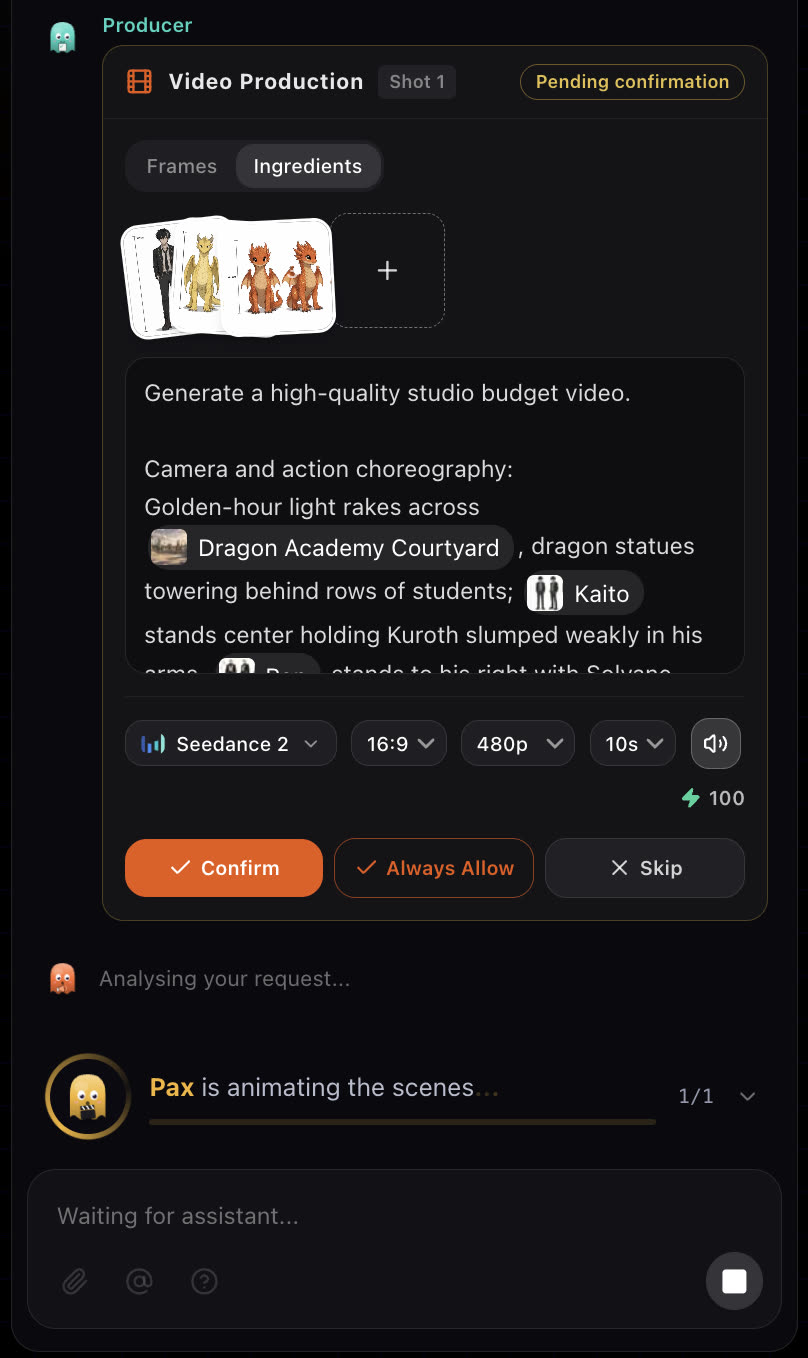
- Asks before rendering video. With Video review set to Always ask, every video waits for your confirmation.
Before you start
Open a story. The chat panel, headed Story Assistant, sits beside the board. You do not need special commands: write what you want the way you would brief a person.
Steps
- 1
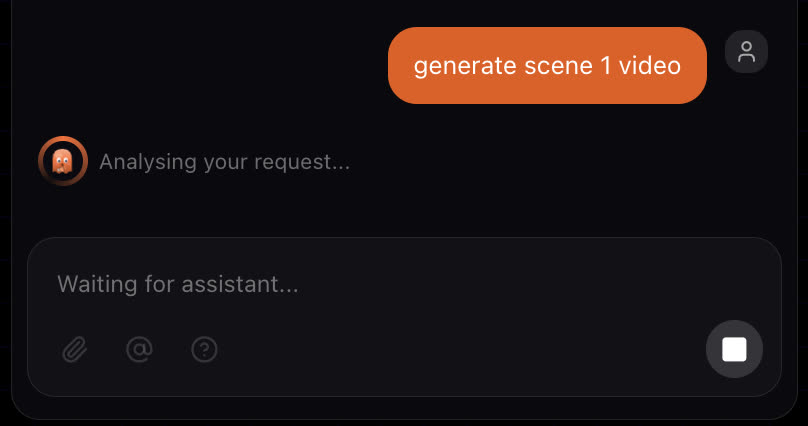
Say what you want
Type a brief, a note or a question. You can ask for one scene by number or for the whole story at once.
- 2
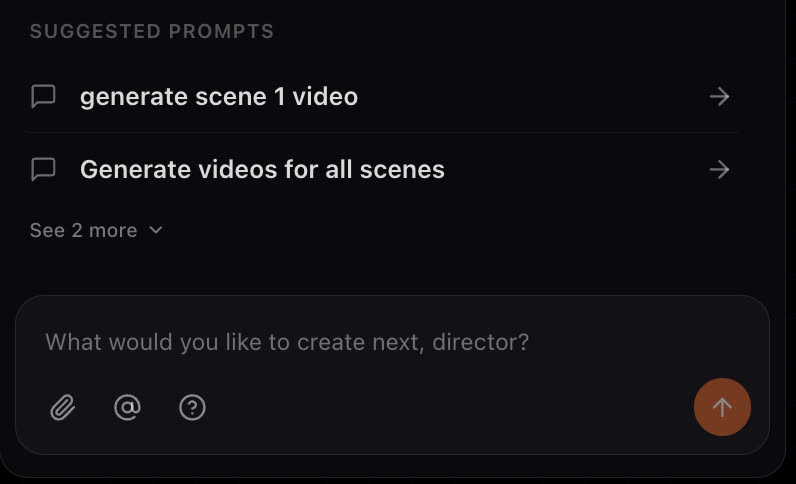
Watch the crew work
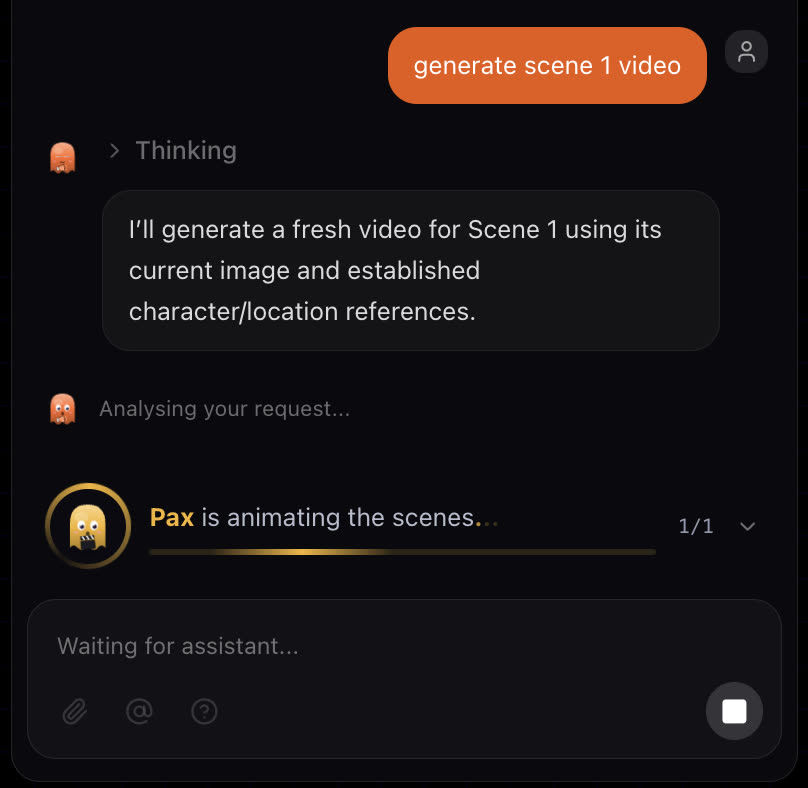
The producer batches the work and assigns it to the right crew member. Each running task shows who is on it.
- 3
Act on the card
Anything that needs a decision arrives as a card: a screenplay, a set of shot images, a video confirmation, or a question with options. Answer it and the crew carries on.
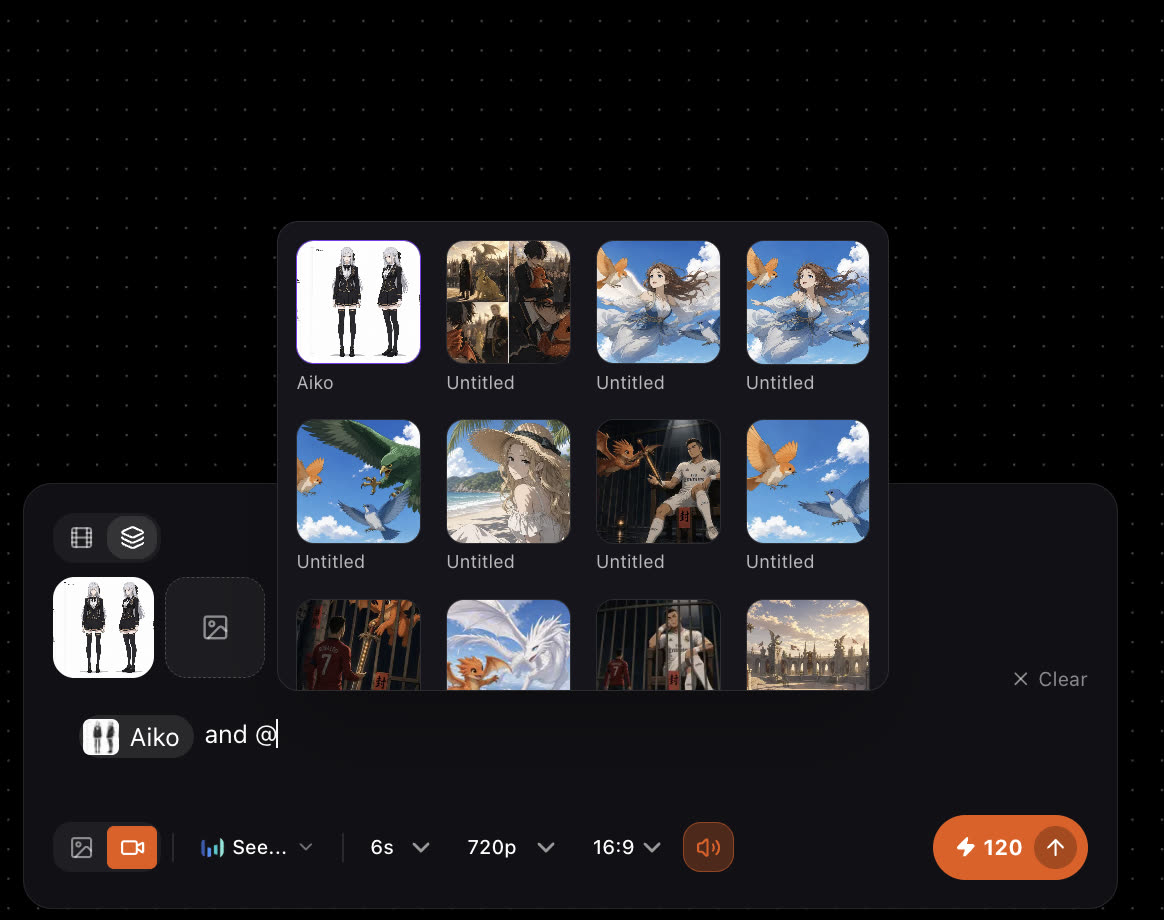
Reference an asset with @
In a prompt box, type @ to pick a character, element or image and attach it as a reference. The pick appears as a chip in your prompt.
Many chats per story
A story can have more than one chat. Start a new chat to try a separate idea without crowding the first conversation. Every chat works on the same story, cast and storyboard.
Best practices
Weak
Make it better.
Better
Scene 3: make the courtyard golden hour, keep Kaito in the centre, and slow the camera down.
Naming the scene and the change lets the crew edit one shot instead of guessing.
- One change per note when you are fixing a shot, so you can see what made the difference.
- Use scene numbers to edit a single scene instead of the whole story.
- Answer questions on the card rather than in a new message, so the crew keeps the context.
If something looks wrong
- The agent changed more than you asked. Name the scene number and the one thing to change.
- Nothing is happening. Look for a card waiting for your answer in the chat. The crew pauses until you decide.
- The crew stopped and mentioned credits. You are short of credits. See How credits work.
Next
Was this page helpful?