Docs / Getting started
Make your first video
A first project takes six steps from brief to final cut. A short film is a matter of hours, and most of that is render time.
Updated November 16, 2026
Before you start
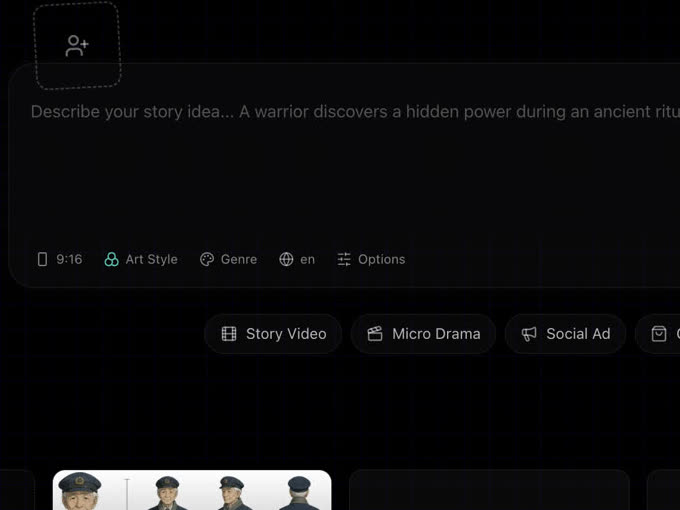
You need a Google account and an idea. A line is enough; a paragraph or a full script gives the crew more to work with. Decide two things up front, because they are set once per story: the aspect ratio (9:16 for Reels and Shorts, 16:9 for YouTube, 1:1 for a feed) and the language the characters speak.
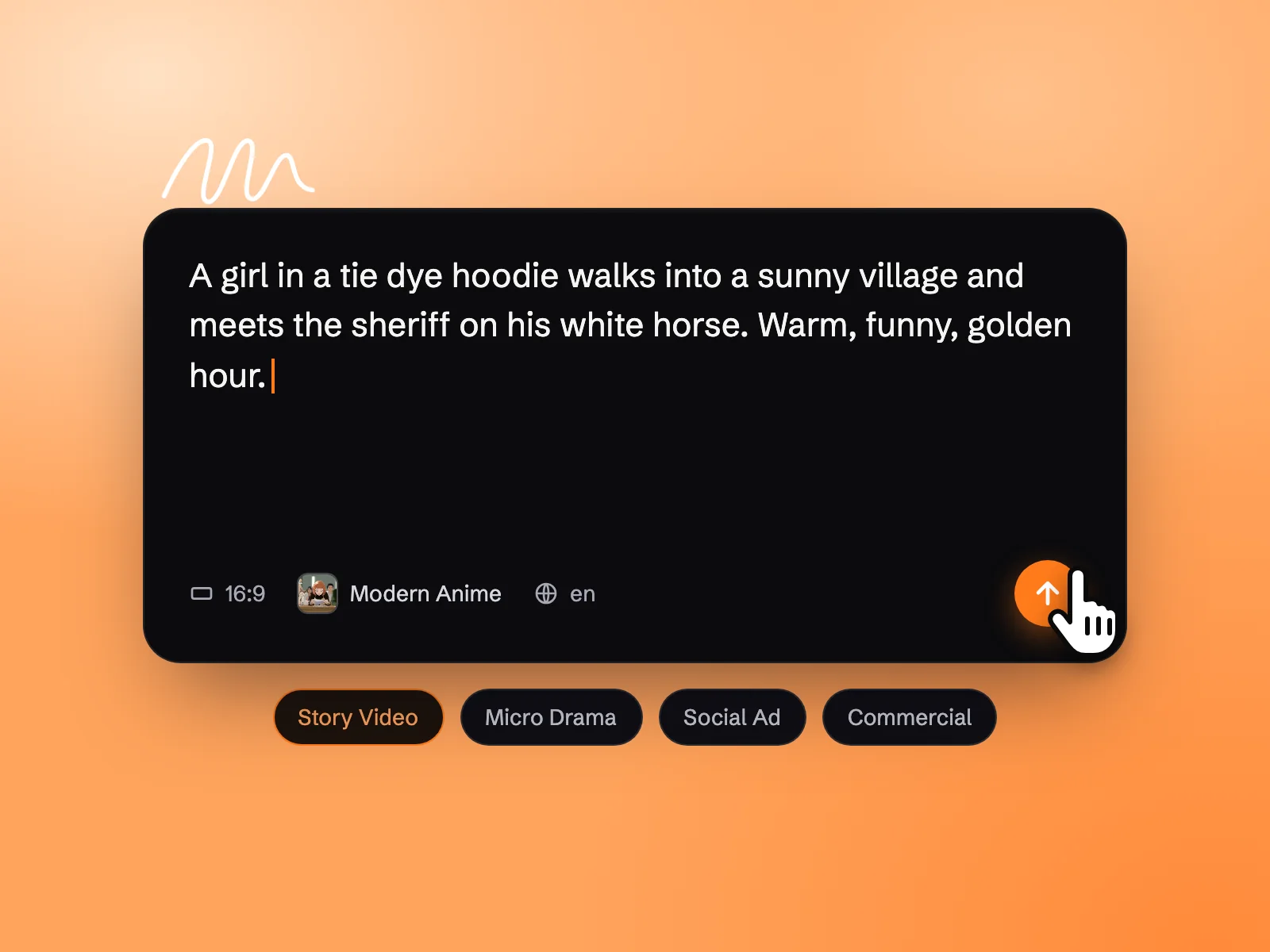
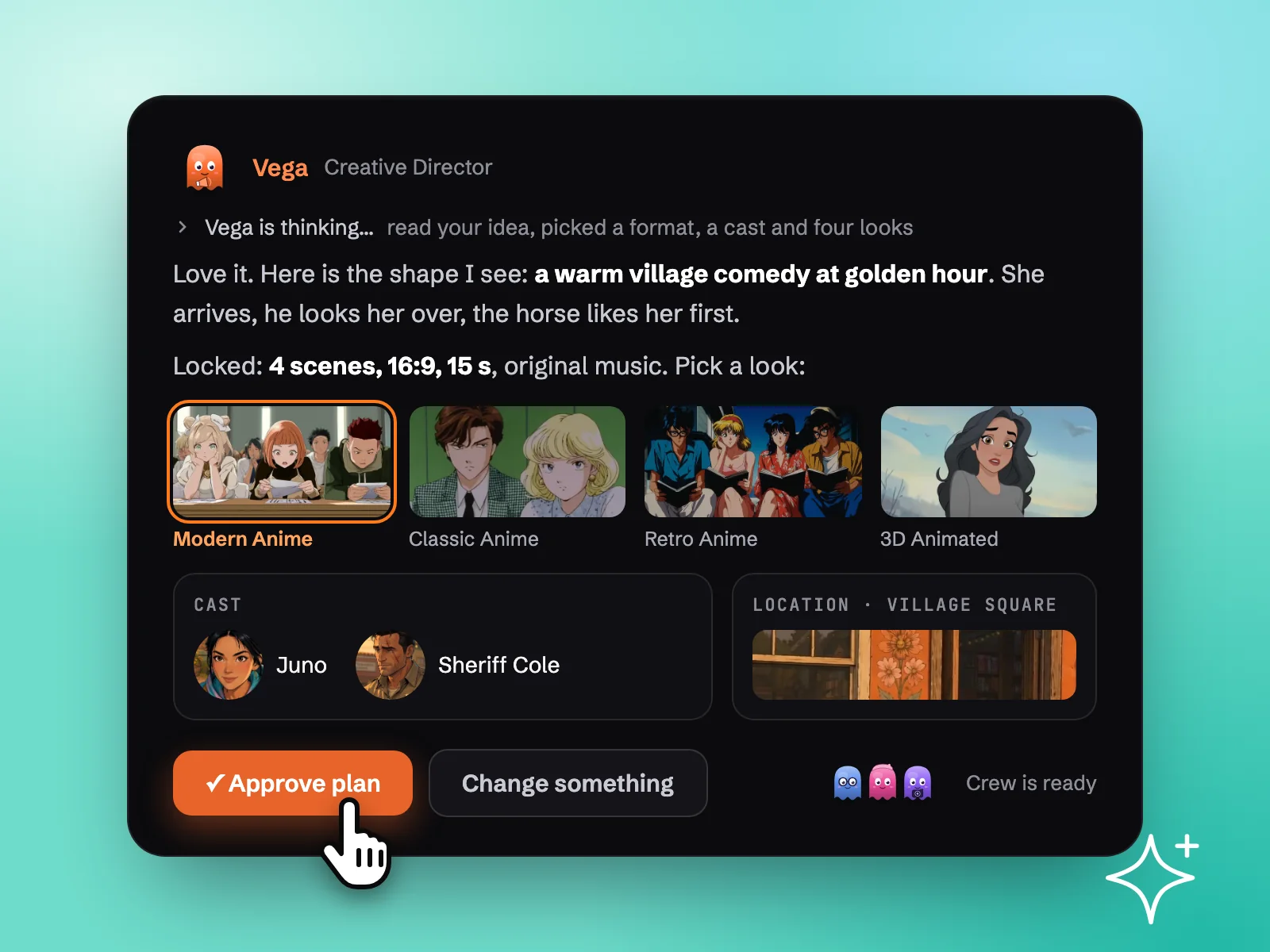
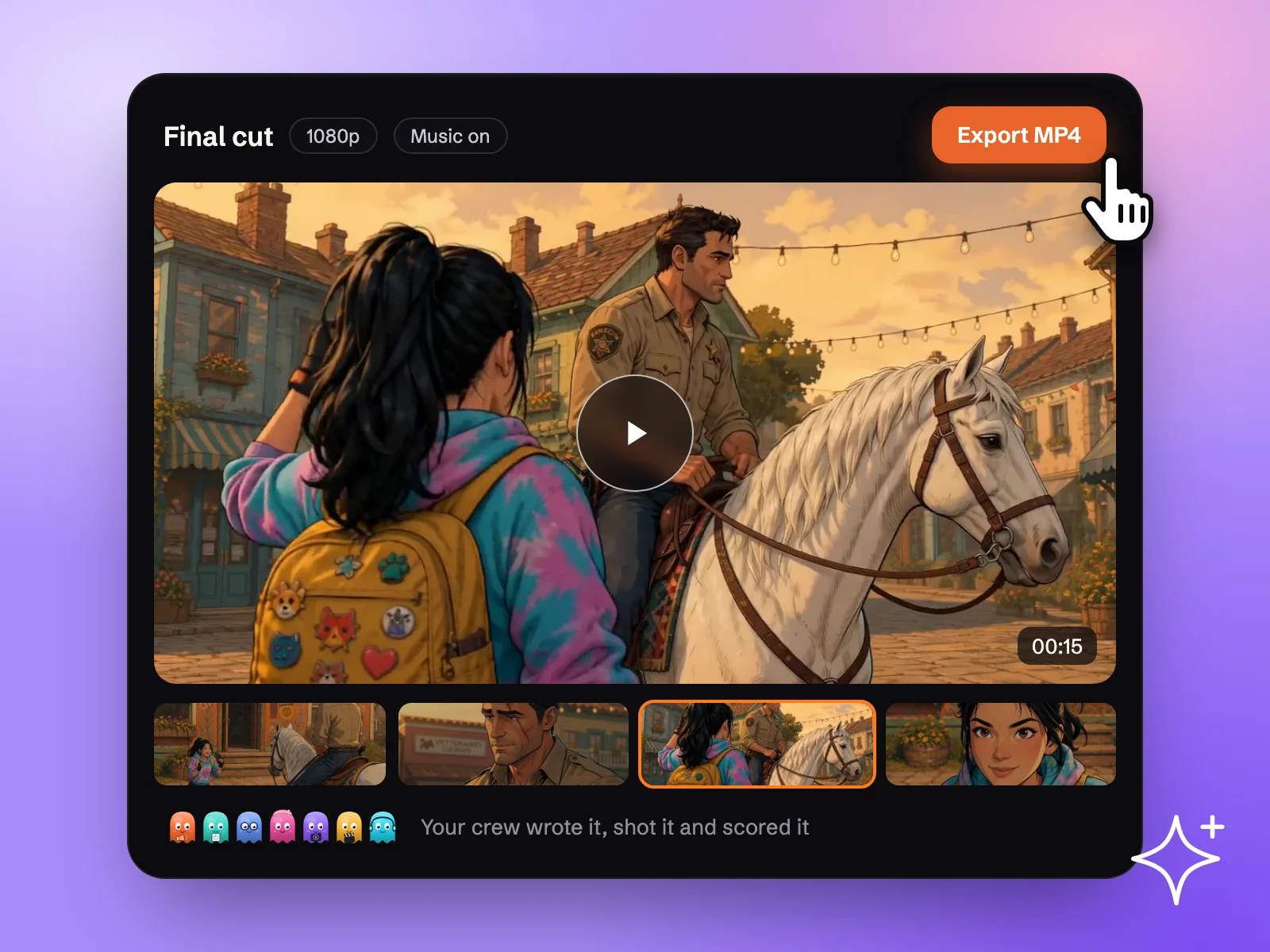
The whole flow in three pictures: you describe the story, approve the crew's plan, and get the final cut.
Steps
- 1
Sign in
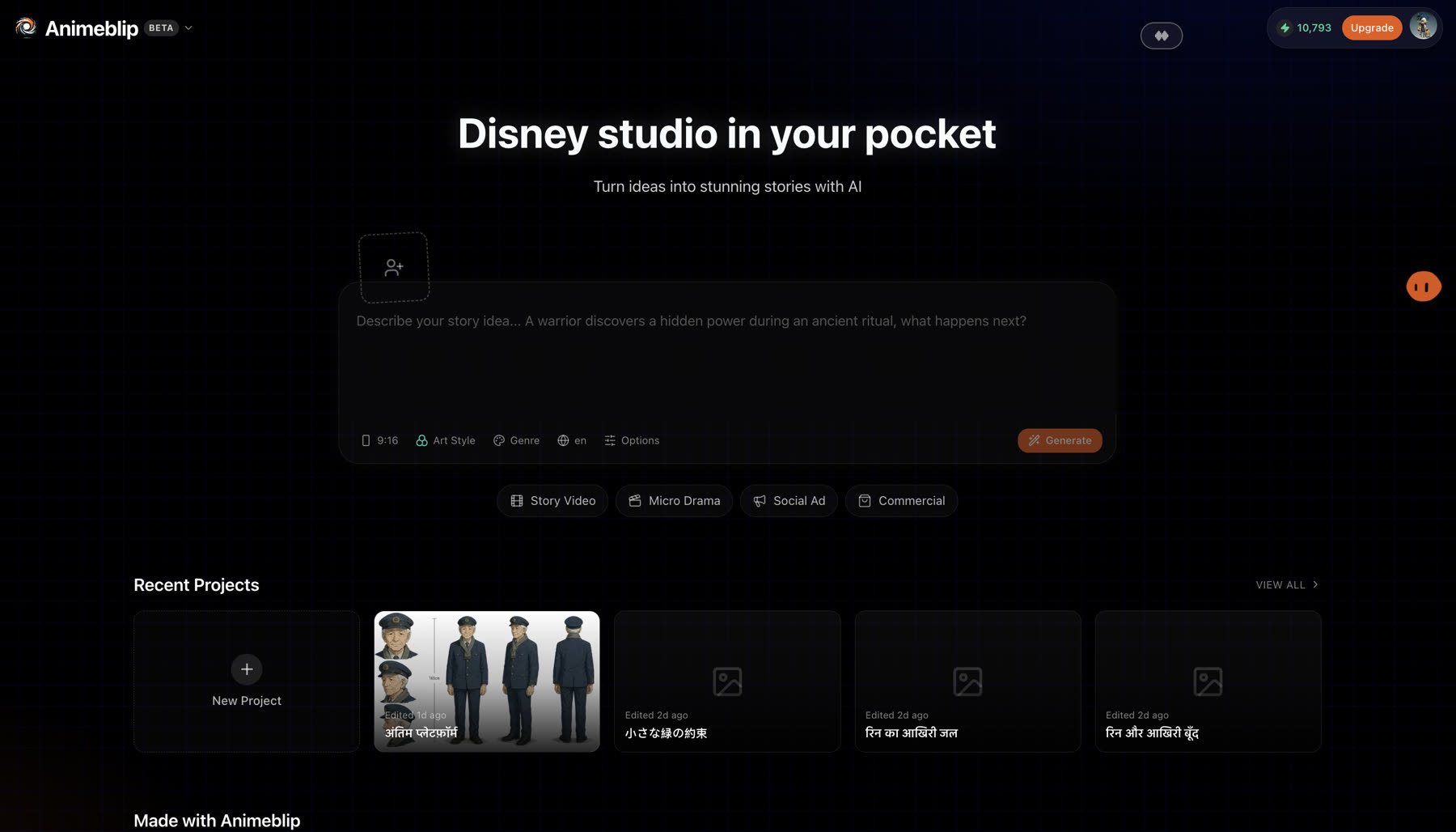
Sign in with Google. A new account receives a one-time trial pack of 25 credits.
- 2
Start a story
Give the crew a brief: a line, a paragraph or a full script. Choose the aspect ratio and language before you start.
- 3
Review the screenplay
The scriptwriter returns scenes, beats and dialogue as a card in the chat. Ask for changes in plain language, or edit a single scene by number.
- 4
Approve the cast
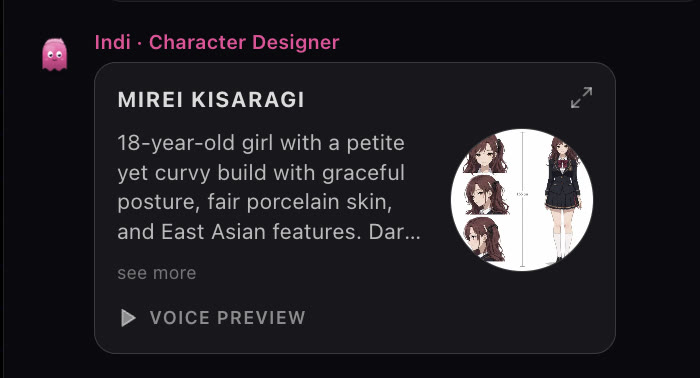
Characters, locations and props receive reference images. Regenerate any of them, upload your own, and assign a voice to each character.
- 5
Make the videos
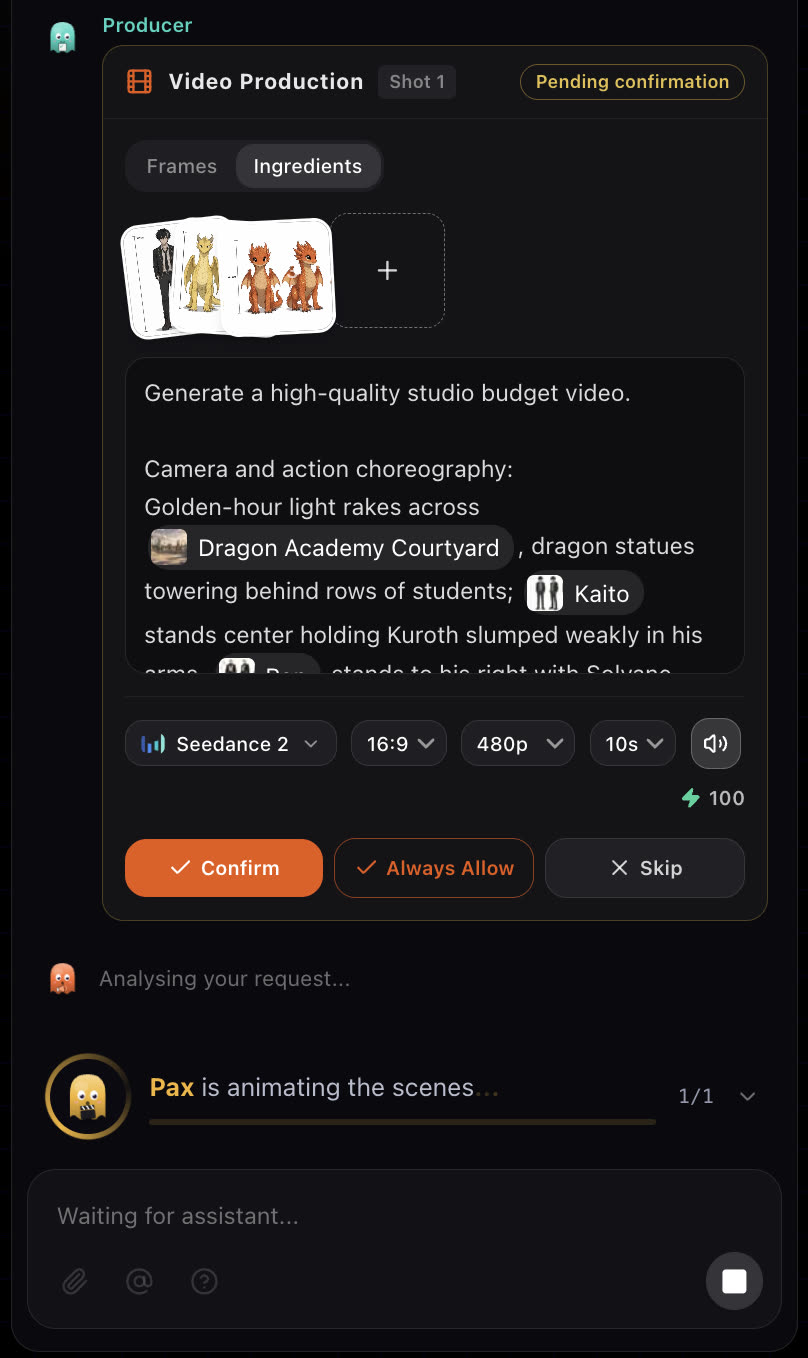
Ask the crew for the videos. Each scene is made from your characters and elements. With Video review set to Always ask, each video waits for your confirmation before it renders.
- 6
Get the final cut
Add music, then ask for the final video. Every scene is stitched into one MP4 at full HD in your chosen ratio.
Write a brief the crew can use
The brief is the one thing only you can write. Name who the story is about, what they want, what stands in the way and how it should feel. The crew fills in the rest.
Weak
A video about a dragon.
Better
A shy student at a fantasy academy secretly raises a baby dragon. When the headmaster finds out, she has one night to prove the dragon is gentle. Warm, funny, ends on a hug. 60 seconds, vertical.
The second brief gives the scriptwriter a character, a goal, a deadline, a tone and a length, so the first screenplay is close to what you want.
Review the result
- Screenplay: does every scene move the story? Cut or merge scenes before any video is made, because each scene costs credits to shoot.
- Cast: are faces, outfits and voices right? Fix them now; every later shot reuses these references.
- Scenes: play the timeline from start to end before the final cut. Regenerate only the shots that are off.
If something looks wrong
- The story drifted from your idea. Reply to the screenplay card with what to change, or name the scene number to edit just that one.
- A character looks different in one shot. Check that the character's reference sheet is approved in the Characters tab, then regenerate that shot. See Characters.
- The crew stopped before finishing. You may be out of credits. The crew stops and tells you instead of failing halfway. See How credits work.
Next
Was this page helpful?