Docs / Getting started
Tour of the studio
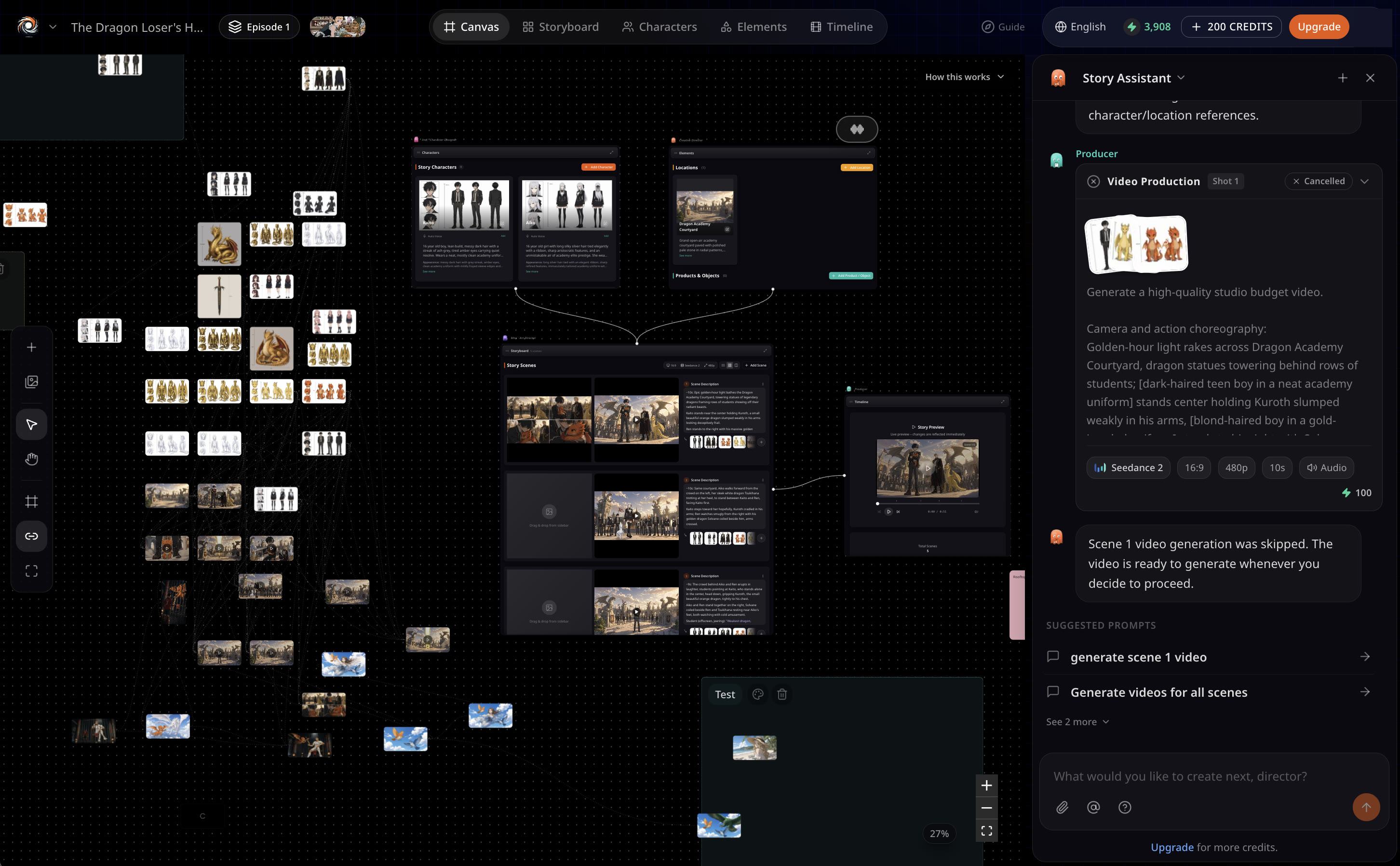
The studio is one board with seven sections. On desktop they sit side by side; on a phone the bottom bar switches between them.
Updated November 16, 2026
Before you start
A guided tour runs the first time you open a story and can be replayed from Settings. Use this page as the written version you can come back to.
The seven sections
- Chat
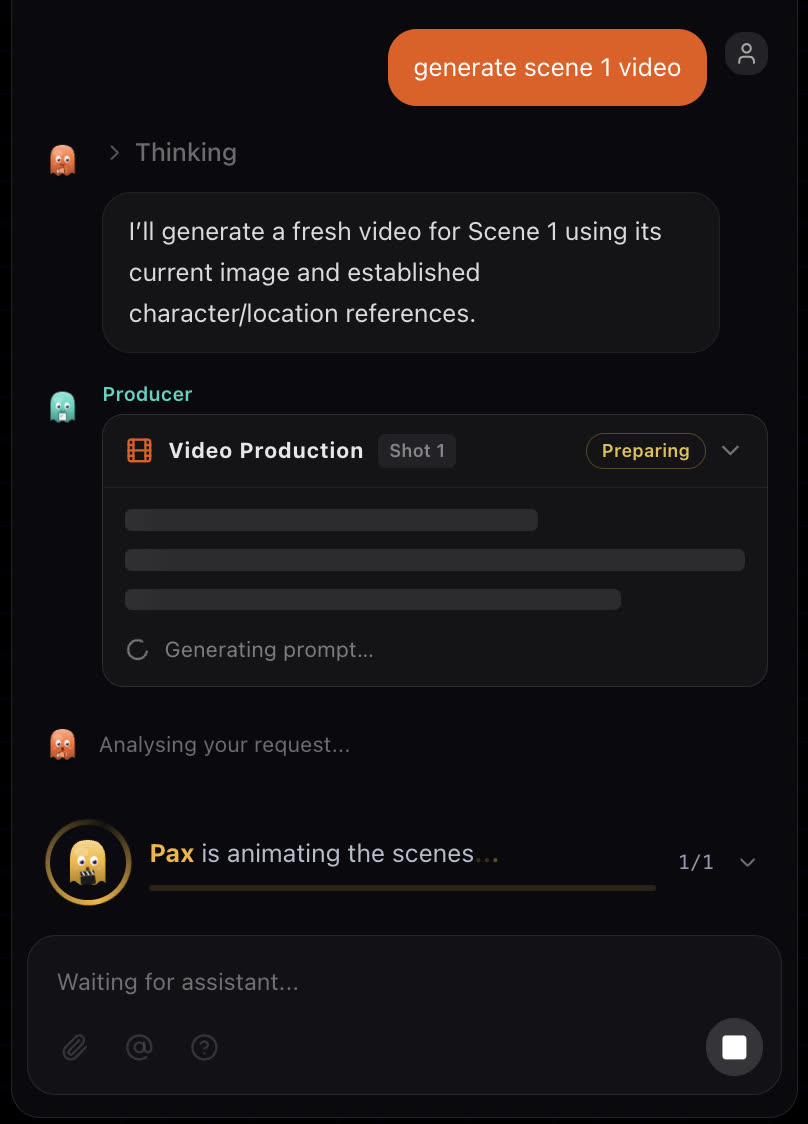
- Where you direct. Briefs, notes and questions go here; the crew answers with cards you can act on.
- Canvas
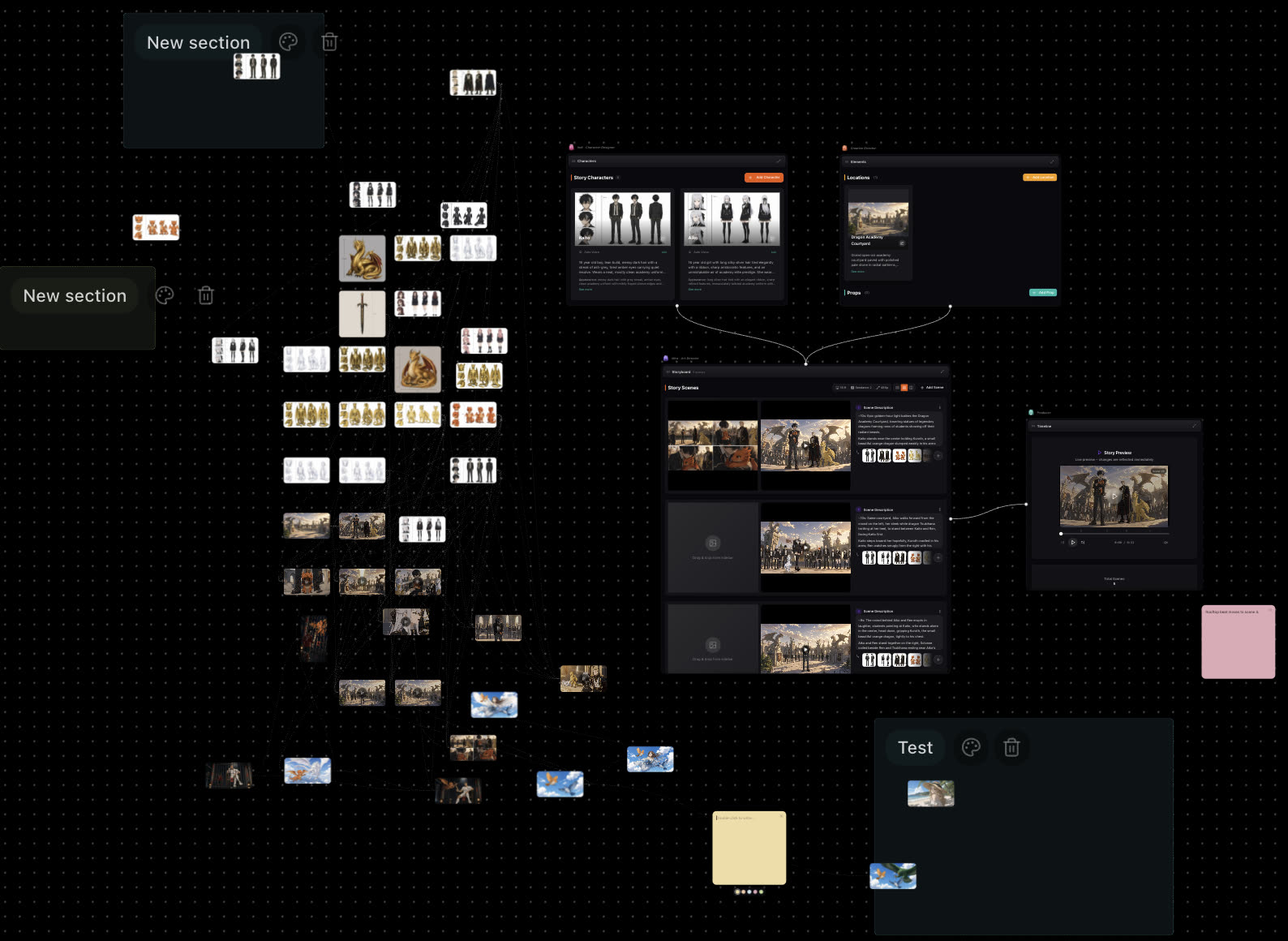
- An infinite board with the whole story on it: characters, elements, scene images and videos as cards you can zoom and pan across. See Canvas.
- Storyboard
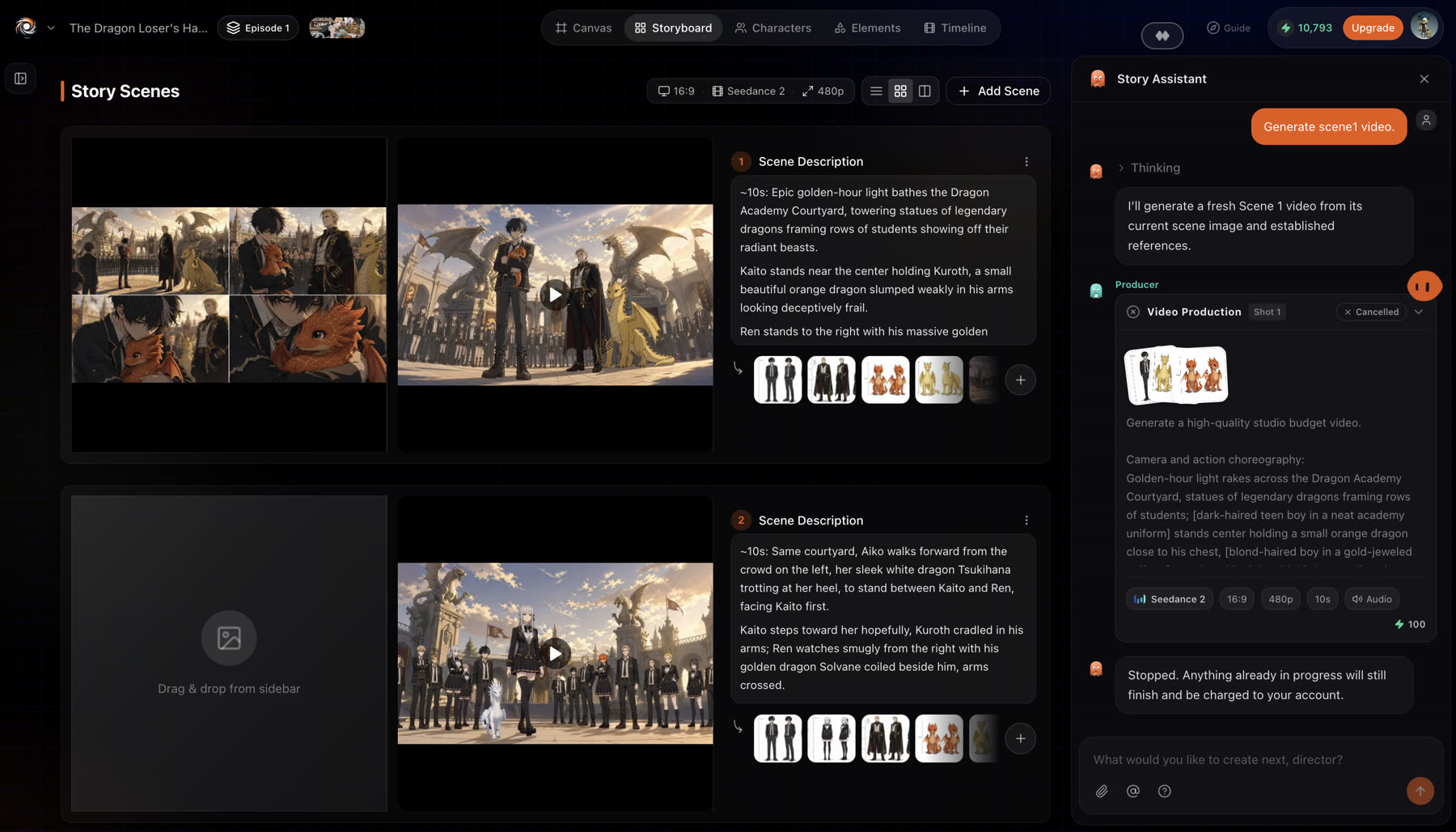
- Every scene as a card with its image, its video and its prompt. Drag assets in, reorder, delete. See Storyboard.
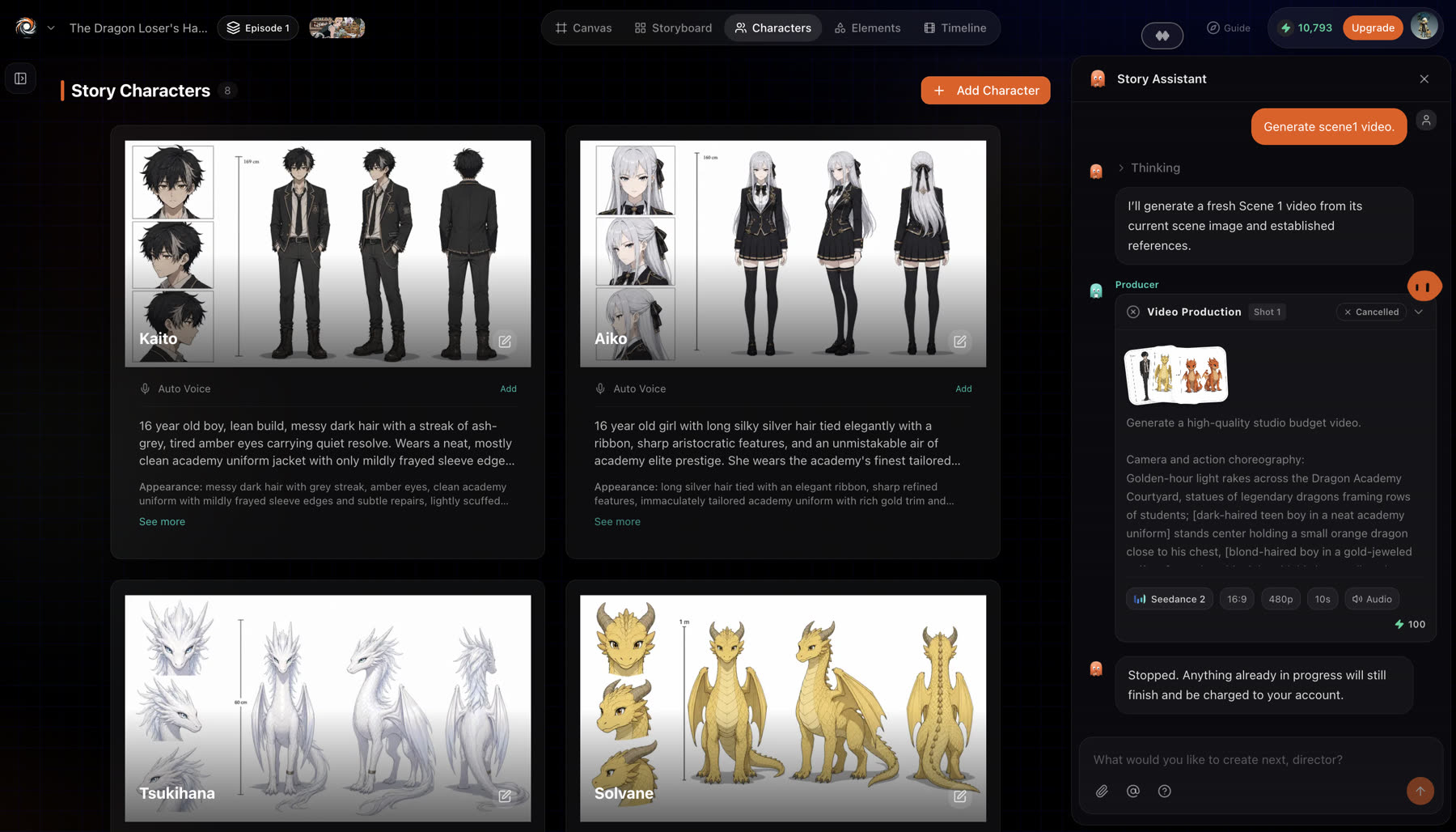
- Characters
- The cast of the story, with reference sheets and voices.
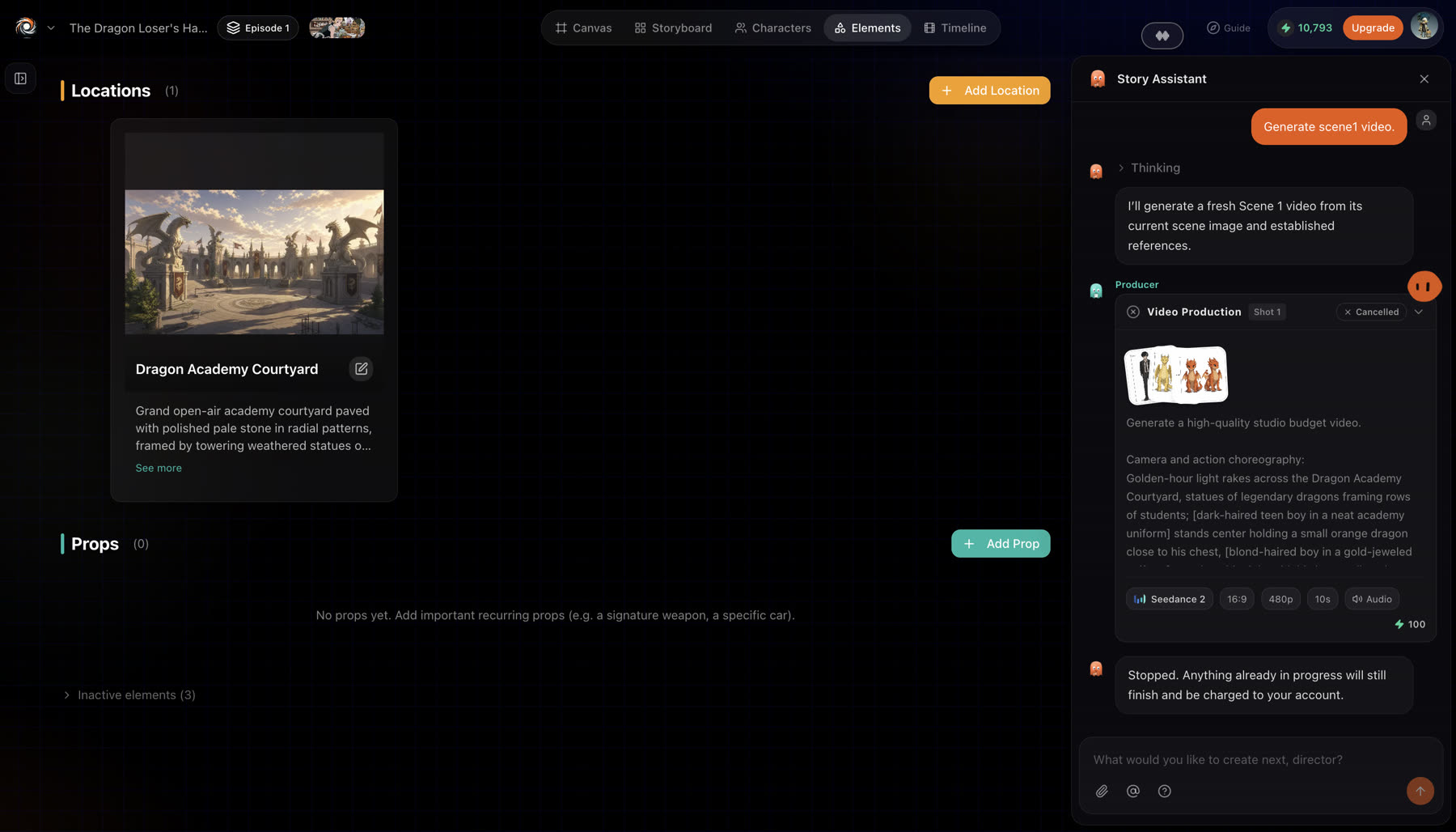
- Elements
- Locations and props. Reference data the crew reuses so a place looks the same in every shot.
- Timeline
- Scenes in order with a preview player. Trim, reorder and play through the story before the final cut.
- Assets
- Everything generated or uploaded, plus a freeform generator for images and video outside any scene.
Chat
Canvas
Storyboard
Characters
Elements
Cards in the chat
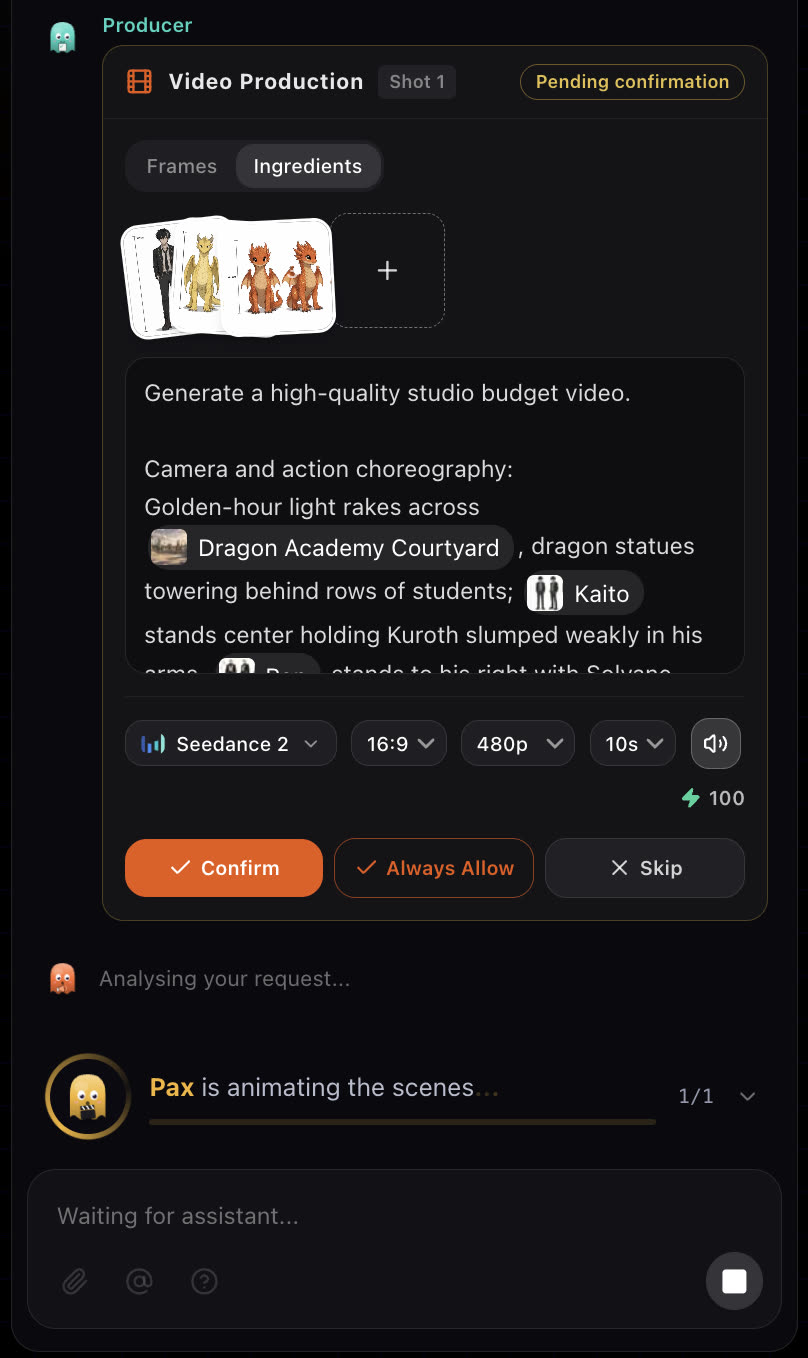
Anything that needs a decision arrives in the chat as a card: a screenplay, a set of shot images, a video confirmation, or a question with options. Answer it and the crew carries on. A feedback card lets you send a note to the Animeblip team without leaving the story.
If something looks wrong
- You cannot find a section on your phone. Use the bottom bar to switch between sections.
- You skipped the guided tour. Replay it from Settings.
Next
Was this page helpful?